Record 1,001: when your Airtable base stops taking tasks
Airtable's free plan caps every base at 1,000 records, counted across all tables. What the cap covers, who should stay, and how task teams move out.

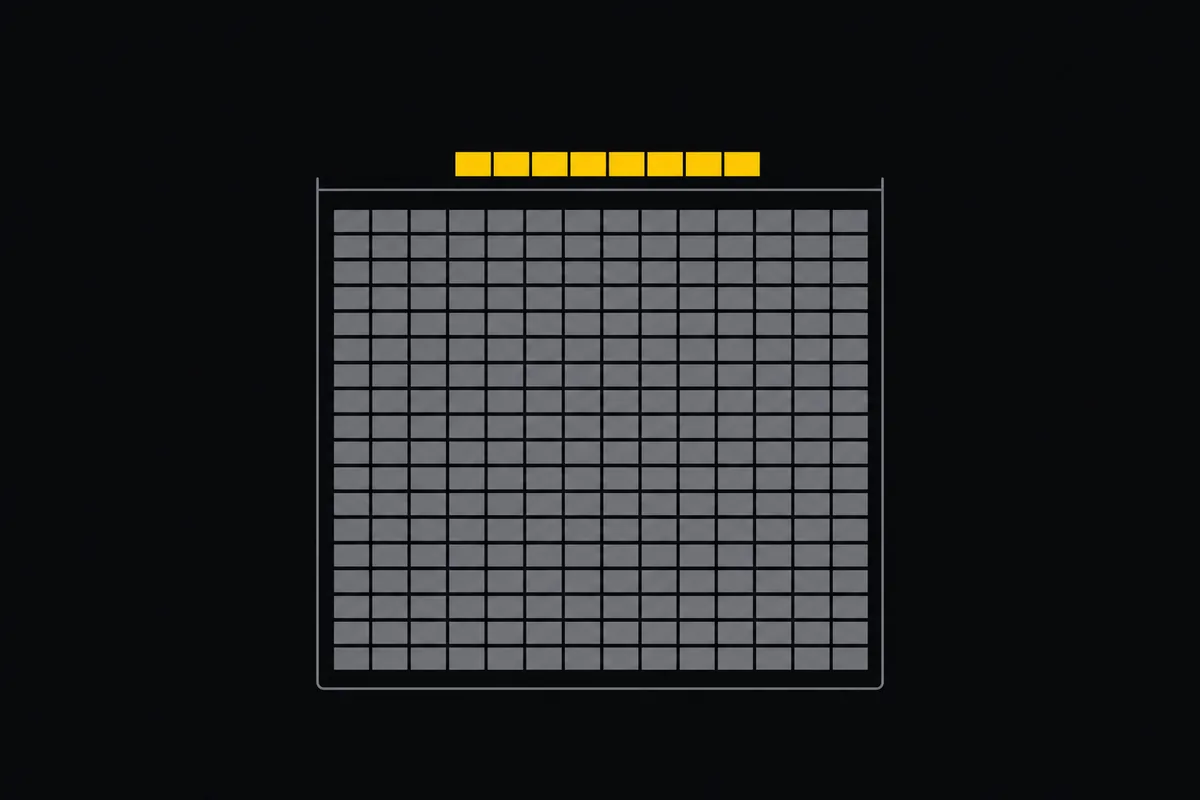
In February 2026, Airtable trimmed the free plan's record allowance from 1,200 per base to 1,000. Two hundred rows sounds like nothing written down. For a team filing tasks it is about three weeks.
Re-checked on 23 September 2026: Airtable's pricing page still states 1,000 records per base on the free plan.
You never find out by reading a changelog. You find out mid-week, when someone pastes a bug report into the grid and the row will not save. The base is full. Now you are doing archaeology on your own backlog at 4pm, deciding which finished work from March you are allowed to delete, because deleting is the only free way to make room.
Tasks are the fastest-growing thing any team produces. Every bug, every subtask, every "follow up with the client on Thursday" is a row, and rows do not stop arriving. That is the real shape of the problem: a fixed ceiling under a number that only goes up.
Airtable's 1,000 record limit counts the whole base, not each table
This is the detail people get wrong, and getting it wrong changes your planning by a factor of four.
The 1,000 records are counted across every table in the base together. A base holding Tasks, Sprints, Clients, and Notes does not get 1,000 each. All four share one pool. Splitting your task grid into tidier tables buys you no headroom at all; it spends the same headroom in more places.
Bases are unlimited, so the escape hatch everyone finds is to split: one base per project, or per quarter. That works until you want to see across them. Linked records do not reach across bases, so the moment you split you give up the cross-project rollup that was half of why you were in Airtable.
The rest of the free tier lives in the same neighbourhood: 5 editors, 1 GB of attachments per base, 100 automation runs a month, 1,000 API calls a month. When you hit any of them the options are the same two, delete or upgrade. Team is $20 per user per month billed annually, which for a group of eight is roughly $1,900 a year.
Two different products share one name
Here is the fork that matters more than any feature table, and I will be straight about which side we are on.
If you use Airtable as a database, stay. Linked records, formula fields, rollups, interfaces built over structured data, a CRM, an inventory, a content calendar with real typed fields: that is what Airtable is, and it is good at it. We build a project tracker. We do not have formula fields or an interface designer, and we are not planning to. Swapping a database for a tracker would be a downgrade for that job.
If you use Airtable as a task tracker, the record cap is a tax on the exact activity you are doing. The tell is easy to check: open your base and look at what most records are. If most of them are things somebody has to do, you have built a tracker out of a database, and the ceiling will keep finding you.
flowchart TD
    A["Base is full at 1,000 records"] --> B{"What are most records?"}
    B -->|"Structured data, CRM, inventory"| C["Stay on Airtable and upgrade"]
    B -->|"Things somebody has to do"| D["Move tasks to a tracker"]
    D --> E["Keep the database rows in Airtable Free"]
That last branch is worth naming. Moving tasks out is not the same as leaving. Plenty of teams pull the task table into a tracker and keep the genuinely relational tables where they were, back under 1,000 and comfortably free again.
What a tracker gives you that a full base cannot
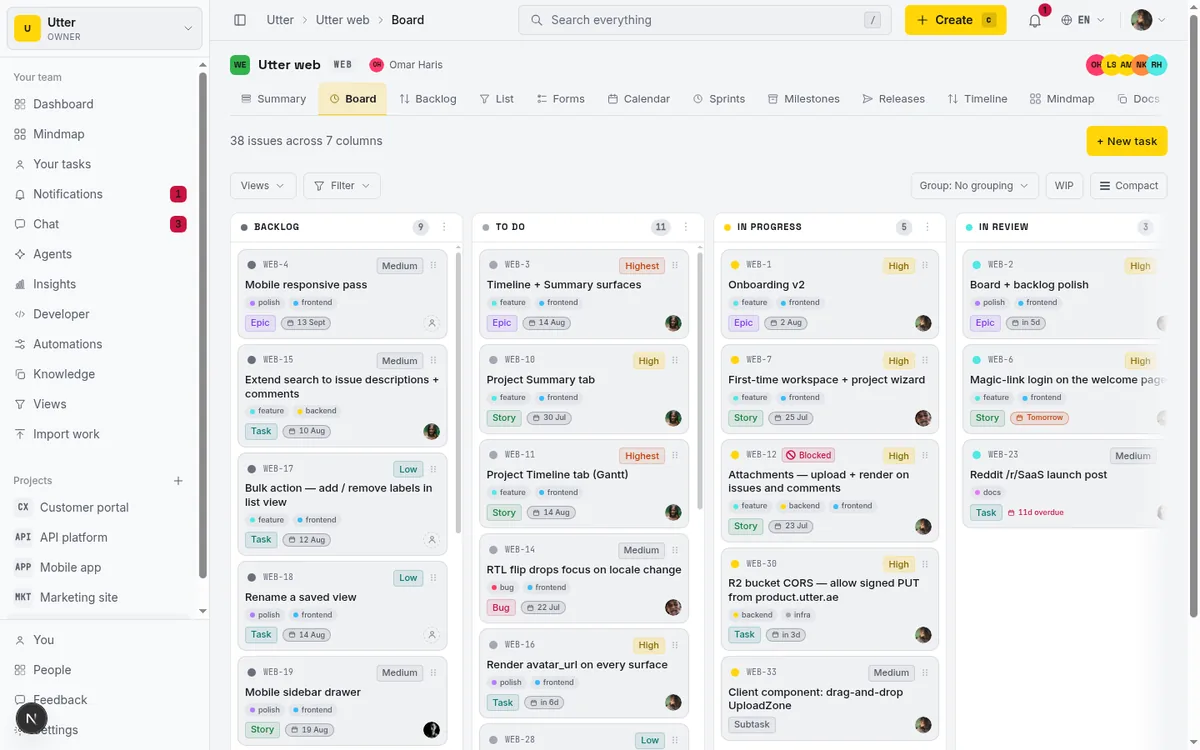
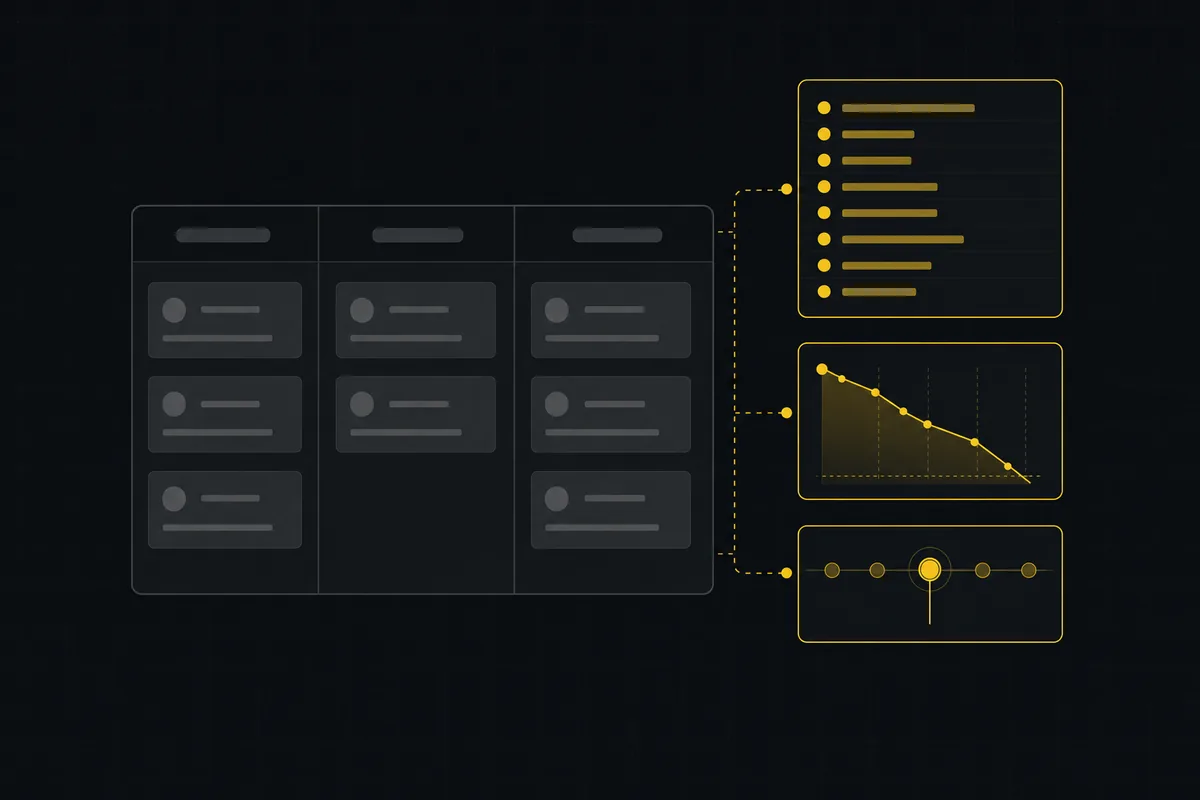
Taskfolk is a project tracker: typed issues, a kanban board, backlog, sprints with burndown, docs, and reports. Issues are unlimited on every plan including Free, because a tracker that stops accepting work has stopped tracking.
We have caps too. They are just different ones, and here they are next to Airtable's:
| Airtable Free | Taskfolk Free | |
|---|---|---|
| Tasks or records | 1,000 per base, all tables shared | Unlimited |
| People | 5 editors | Unlimited members |
| Containers | Unlimited bases | Up to 5 projects |
| Files | 1 GB per base | 128 MB per workspace |
| Automation | 100 runs a month | starts on Pro |
| API calls | 1,000 a month | not capped by plan |
Free also includes 25 AI credits a month, which is enough to try the agent side without putting in a card.
Read the table honestly, though. If you need a sixth project or you attach a lot of design files, our free plan will run out on you the way Airtable's does, just along a different axis. 128 MB is small and I am not going to dress it up. What we do not do is stop you filing work.
Paid is $3 per builder per month, and people who only read are free with no cap on any plan. The full breakdown is on pricing, and the comparison pages under Taskfolk vs Airtable cover the rivals we have written up so far.
Getting your tasks out, one CSV at a time
The path is CSV and it is not dramatic.
In Airtable, open the view holding your tasks and use Download CSV from the view menu. You get a file with your fields as columns. Before importing, trim it to what a tracker needs: title, description, status, assignee email, priority, due date. Formula and rollup columns export as their computed values, so they arrive as flat text; drop them or park them in a custom field.
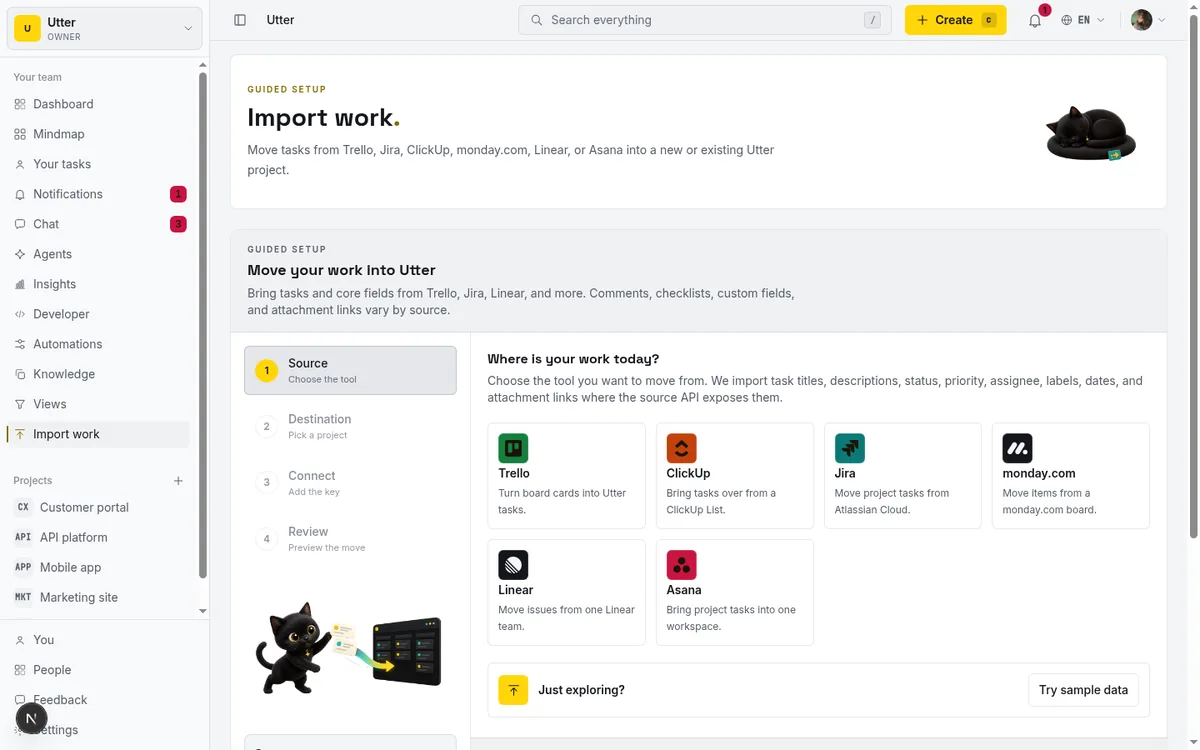
Then import. Map columns to fields, pick the project, run it. One honest note: free workspaces import up to 1,000 rows per run, so a base sitting at the cap fits in a single pass with nothing to spare. If you split across several bases, do one run per file. Pro raises that to 10,000 rows.
Do not move everything on day one. Take one active project across, work in it for two weeks with the old base still open, and decide after that. If it does not stick, you have lost a CSV export and some evenings, not your history.
Agents are members here, not seats
If AI agents already do work for you, they get named accounts. Claude Code, Codex, and Cursor connect over the API or MCP, get assigned issues like anyone else, and every change they make is attributed to them in the activity log. Agent members are never billed as seats.
This is a difference in model rather than a knock on Airtable, where you can certainly script against a base. The point of a named agent is that its runs show up as sessions on the ticket, so a human can review what it did without reading a log file.
The two-minute version
Count the records in your base and work out what share of them are tasks.
Under half, and you have a database with a to-do list in the corner. Archive the completed rows, stay free, and get on with it. Most of them, and the cap will keep interrupting you every few weeks until you either pay $20 a seat or move the tasks somewhere without a ceiling.
Taskfolk's free plan takes unlimited issues and unlimited people, capped at 5 projects and 128 MB. Import your CSV and see whether the second week feels better than the first.
Frequently asked questions
How many records does Airtable's free plan allow?
1,000 records per base, reduced from 1,200 in February 2026. The count covers every table in the base together, not each table separately. You can create unlimited bases, but each one carries the same ceiling.
Does each table in a base get its own 1,000 records?
No, and this is the most common misreading. The allowance belongs to the base and every table in it draws from the same pool. Adding a table to keep things organised gives you no extra room.
What happens when a base hits 1,000 records?
New records stop saving until you delete existing ones or upgrade. The paid Team tier is $20 per user per month billed annually, so a group of eight pays roughly $1,900 a year.
Should I move off Airtable entirely?
Usually not. If your base is genuinely relational data, keep it there and only move the task table out. Taskfolk takes unlimited issues on its free plan, capped at 5 projects and 128 MB of storage, and imports up to 1,000 CSV rows per run on Free.
Related reading

Free project management software: what the free tiers give you
What the free tiers of Trello, Asana, ClickUp, Notion and Jira actually give you, which cap stops a small team first, and how Taskfolk Free compares.
16 July 2026 · 16 min read
Asana's free plan is now a party of two
Asana cut its free plan to 2 users for accounts created after November 12, 2025. What changed, what the third teammate costs, and how to plan around it.
18 August 2026 · 6 min read

100 uses, forever: the ClickUp counter that never resets
ClickUp's Free Forever plan meters Gantt and custom fields at 100 lifetime uses that never reset. How the counters work, and life without them.
18 August 2026 · 6 min read
Notion's free plan and 1,000 blocks: the wall at member two
Notion Free is unlimited for one person. Add a second member and the workspace is capped at 1,000 blocks. What that costs, and when to run the work elsewhere.
18 August 2026 · 6 min read
What happens at issue 251 on Linear's free plan
Linear Free stops at 250 non-archived issues. What the block actually does, the seat math for a team of eight, and how to move without losing history.
18 August 2026 · 6 min read
Project management for small agencies (clients in, chaos out)
Project management for agencies without the seat tax: scoped projects isolate each client, guests and viewers are free, and public forms take intake with no account.
16 July 2026 · 18 min read

Jira alternatives in 2026: what you actually pay per seat
Six Jira alternatives compared honestly: Linear, ClickUp, Asana, Monday, Trello, and Taskfolk, with real per-seat math and where each one actually fits.
11 July 2026 · 9 min read
Asana alternatives that cost less and speak agent
Asana alternatives for growing teams: how Asana's tiered seats round your bill up, and how $3 per-editor pricing with free viewers and agents changes it.
16 July 2026 · 17 min read

The MCP audit: which project tools can AI agents use? (2026)
We audited the MCP servers of 13 project management tools: who has one, what agents can really do, the call caps, and the gaps nobody mentions.
15 July 2026 · 8 min read
A Trello alternative for when a board stops being enough
A Trello alternative for when a board stops being enough: honest pricing as of July 2026, and how to keep the board while adding sprints, a backlog and reports.
16 July 2026 · 17 min read
Add a comment
Start the conversation.