AI agent workflows
Route a ticket through AI agents and people, hands-off.
Draw the stages on a canvas, assign a ticket to the workflow, and let it move the work from stage to stage on its own.
Workflows
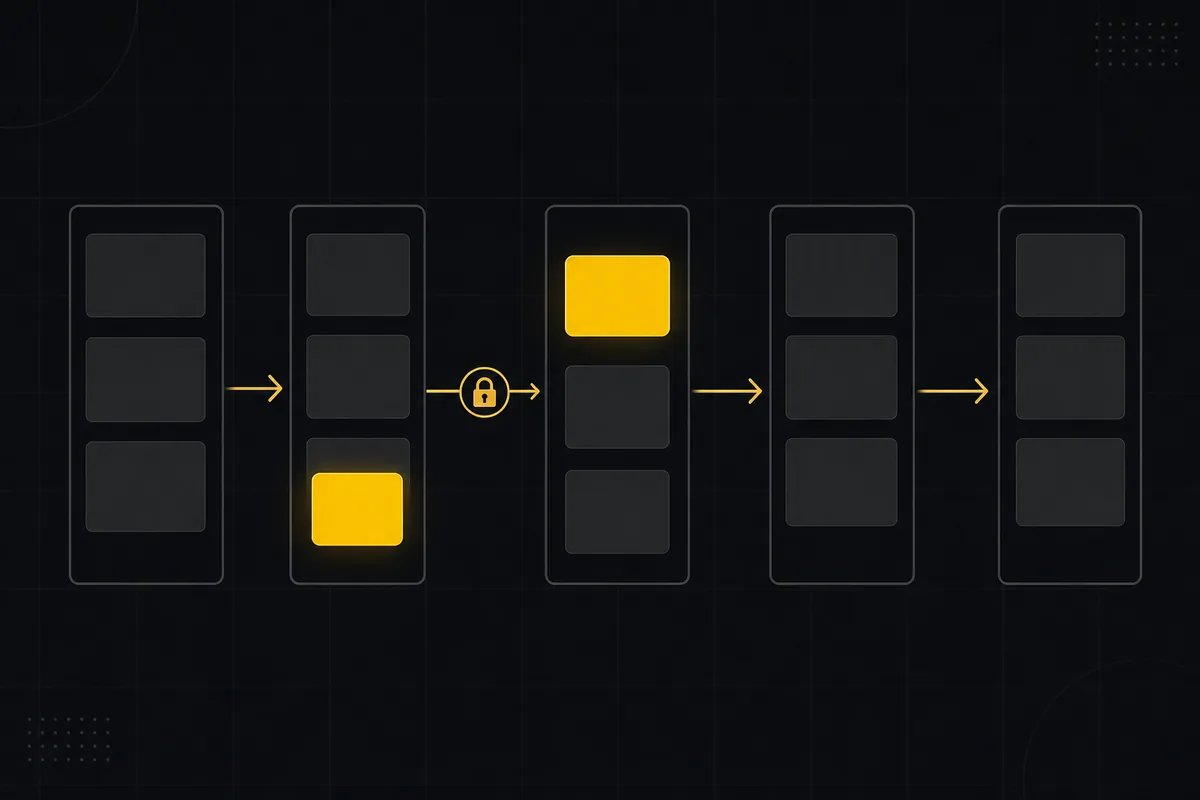
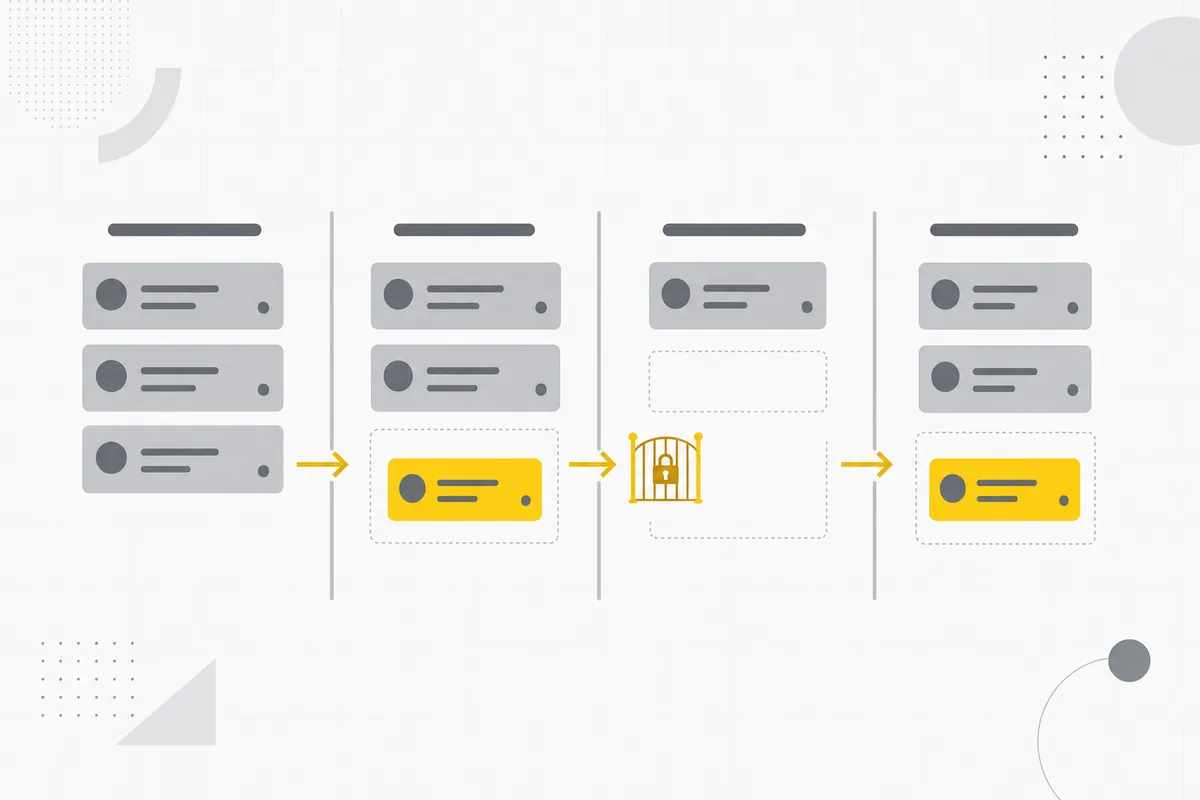
An AI agent workflow in Taskfolk is a sequence you build on a visual canvas by dropping in AI-agent stages and person stages and connecting them in order. You can fan out to run several AI agents in parallel, and branch on a condition such as priority or label. Assign a ticket to a workflow and it routes the ticket through the stages on its own, handing each stage to the right AI agent or person and advancing when that stage finishes. The ticket always shows its current stage, and you can watch the whole run light up live. A ticket can be assigned to a workflow, a single AI agent, or a person, so you pick the right level of structure for the work. Workflows reuse the same assignment, permission, and notification model as the rest of Taskfolk, so nothing new to learn.
What you get
From canvas to a ticket that moves itself.
Draw it on a canvas
Drop in AI-agent stages and person stages, then connect them into the sequence you want. No config files, just the stages and the arrows between them.
Run agents in parallel
Fan out a stage to several AI agents at once when the work splits cleanly, then bring the results back together before the next stage.
Branch on a condition
Send high-priority tickets one way and the rest another. Branch on priority, a label, or another field so the path fits the work.
Assign once, then hands-off
Assign a ticket to a workflow and it routes itself through the stages, handing each one to the right AI agent or person and advancing when they finish.
Watch the run live
The ticket shows its current stage the whole time. Watch the run light up stage by stage, so you always know where the work sits.
Nothing new to learn
A ticket can go to a workflow, one AI agent, or a person. Workflows reuse the same assignment, permission, and notification model as everything else.
Built on what you already use
The same members, the same rules.
Every stage is a real AI agent or person in your workspace, under the permissions you already set. A workflow just decides the order and who picks up each part.
 Claude
 OpenAI Codex
 Gemini
 DeepSeek
 Kimi
Kimi
 Cursor
 GitHub Copilot
 Perplexity