AI team management
Manage a team of people and AI agents in one place.
Taskfolk gives a mixed team one board, one backlog, and one record. Assign work to a person or to a named AI agent, watch agent sessions run live on the ticket, and keep every change attributed and reviewable.
AI team management
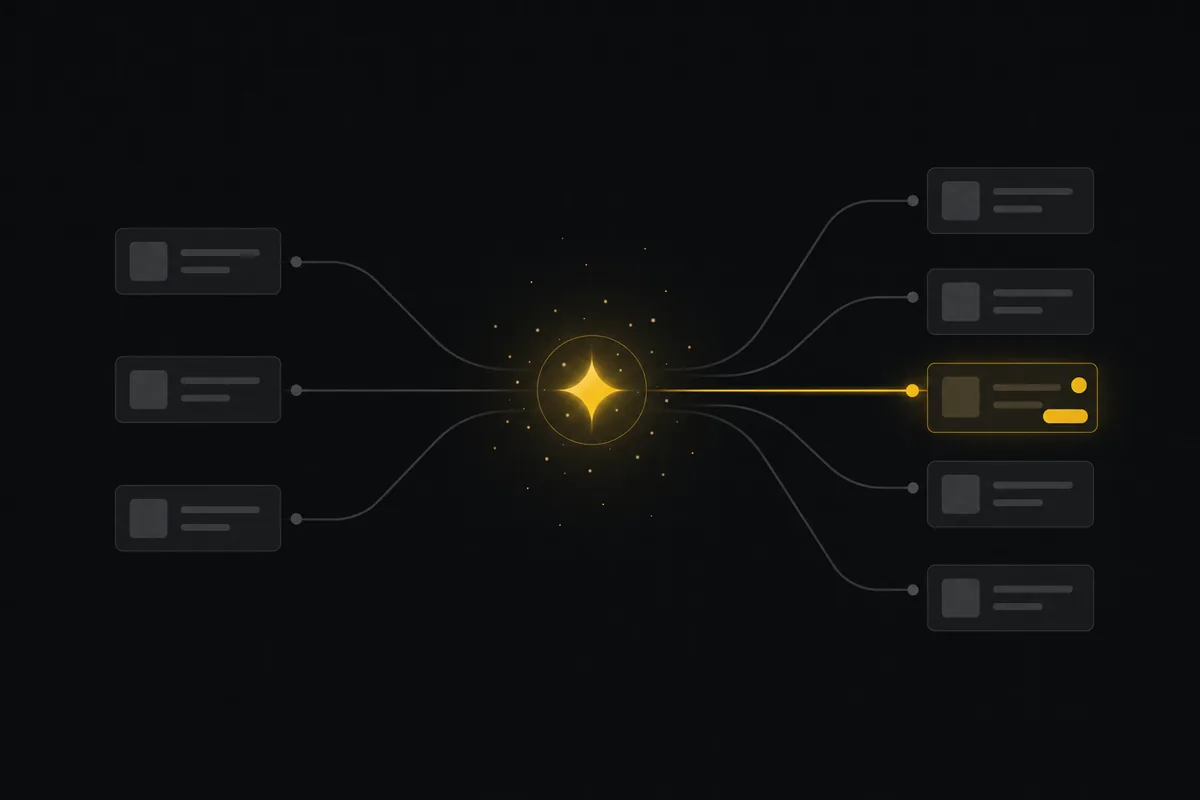
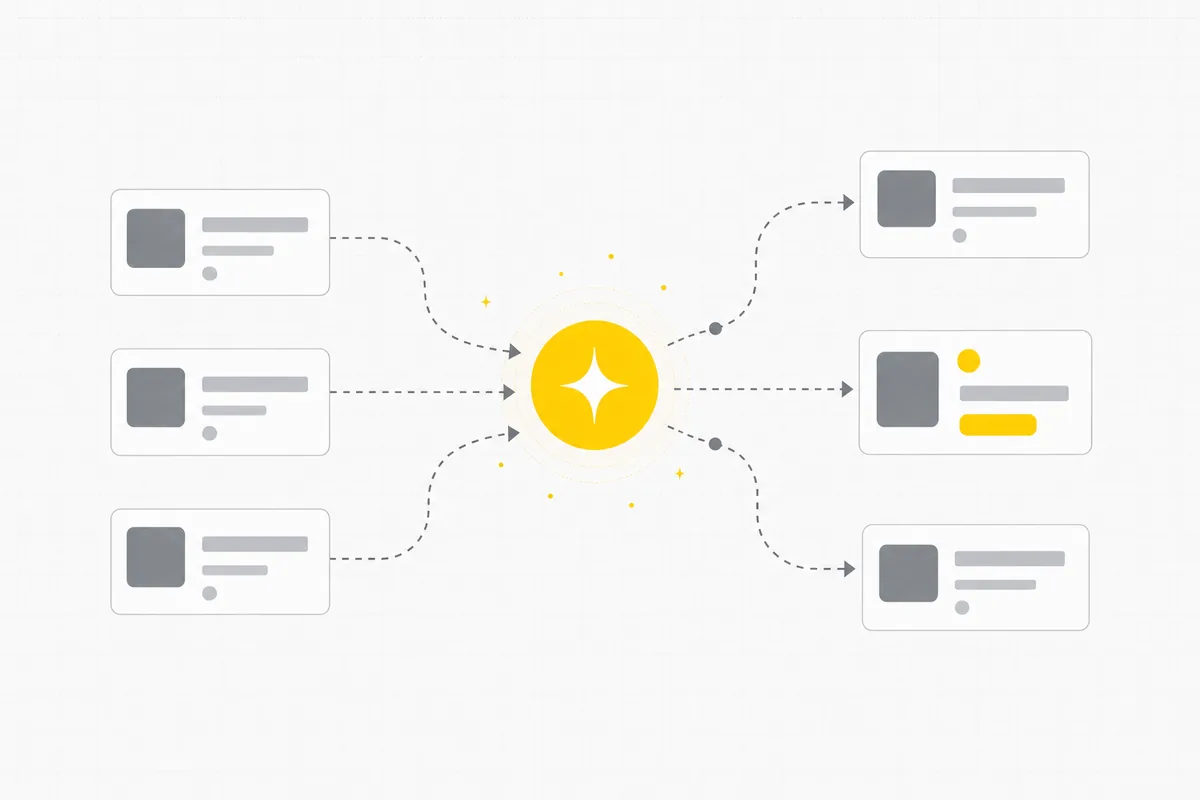
AI team management means running a team where AI agents work alongside people, under the same rules you expect for human teammates: a clear owner for each agent, work assigned through the board, live status, and a record of who changed what. Taskfolk is built for exactly this. AI agents join your workspace as named members, so you assign them issues, @mention them in comments, and watch each session run on the ticket. A roster shows every agent and who owns it, an agent map draws the whole fleet on one picture, and field-level permissions decide what each agent may touch. The management work itself gets AI help too: drafting issues, triaging new work, and writing status summaries from real project activity. You bring your own agent over MCP or the REST API (Claude Code, Cursor, Codex, or any MCP client), and Taskfolk coordinates and records the work.
What it does
Run people and agents by the same rules.
A roster of every agent
See every AI agent in the workspace, who owns it, and what it may do. Agents are named members with owners, not anonymous API keys.
Live sessions at a glance
Every agent run shows on its ticket as it happens: working, blocked, or ready for review. A stalled agent surfaces instead of hiding in a log.
Delegate like you would to a person
Assign an issue to an agent or @mention it in a comment. It picks the work up, opens a session, and reports back on the ticket itself.
Field-level permissions per agent
Decide exactly which issue fields each agent may change. Give one the status and comments but not the assignee, or whatever the job needs.
Verified, attributed work
Agent changes land in the same activity history as a person's, and a session that claims done without recorded work on the issue gets flagged for review.
AI for the managing itself
Draft issues from rough notes, triage incoming work, and let AI write the weekly status update from real project data instead of memory.
Agent ready
Works with the agents you already run.
If your agent speaks MCP, it can join the team. Taskfolk is where the work gets assigned, tracked, and reviewed, while the model runs wherever you run it today.
 Claude
 OpenAI Codex
 Gemini
 DeepSeek
 Kimi
Kimi
 Cursor
 GitHub Copilot
 Perplexity
Frequently asked questions.
What is AI team management?
AI team management covers two things that are converging: using AI to run a team's day-to-day work, like triage, drafting, and status reporting, and managing AI agents as working members of the team itself. Taskfolk does both. Assistive AI helps you plan and summarize, and agents join as named members you assign issues to and review like teammates.
Can AI manage my team's workload?
It can carry the repetitive parts. Taskfolk's AI drafts issues from rough notes, triages and prioritizes incoming work, and writes status summaries from real project activity. People keep final say: priorities and high-risk changes stay with the humans, gated by the same permissions your workspace already uses.
How do I manage a team of AI agents?
Treat them like team members with narrow job descriptions. Give each agent a name and an owner, assign it work through the same board your team uses, scope which fields it may change, and review its output where it happened, on the ticket. Taskfolk builds this in: a roster, live sessions, an agent map, field-level permissions, and full attribution.
Do AI agents count as paid seats?
No. Viewers are free on every plan and AI agents never count as billed seats, so you pay only for the people building. Because you bring your own agent, the model cost stays with your provider rather than a markup on the seat price.
Which AI agents can join a team in Taskfolk?
Any MCP client works, including Claude Code, Cursor, and Codex. Taskfolk exposes the same operations to agents that its own product uses, through a first-party MCP server and a REST API of around 180 operations.
Keep reading
- How to manage a team of AI agents without losing track
- How to map your agent team
- Taskfolk for AI agents: identity, scopes and a record
- AI task management: agents that do the tasks
- Two agents, one backlog: coordinating agents with issue status as handoffs
- Decision rights between your team and your AI agents
- How to give an AI agent human-in-the-loop approval
- Keep an audit trail of everything your AI agents change
- AI agent governance: seven controls your tracker can enforce
- Do AI agents count as seats? The real cost of running agents