Comparison

Taskfolk vs Airtable.
Airtable is a database and app platform, and teams shape it into a project tracker because it can be shaped into anything. Taskfolk is the tracker already built, with sprints and reports that work on day one and AI agents as members you assign.
Last updated: 15 Jul 2026
The quick answer
Choose Airtable if you want to design your own data model and ship internal apps on top of it, which is a genuinely different product category and one Airtable leads. Choose Taskfolk if what you are building is a project tracker, because board, backlog, sprints, velocity, and burndown already work and stay fixed. Airtable Team is $20 per seat and Business is $45; Taskfolk is $3 per builder with unlimited free viewers.
The short version.
Pick Taskfolk if
- What you are building in Airtable is a project tracker. Board, backlog, sprints, velocity, and burndown are already there and do not drift when someone edits a field.
- Read access matters. Airtable Team is $20 for anyone with edit rights and its free plan caps editors at 5; Taskfolk viewers are free with no cap.
- You want AI coding agents as named members with live sessions on the ticket, not an assistant that builds bases for you.
Stick with Airtable if
- Your data model is genuinely unusual and you want to design it yourself. That freedom is the product, and Taskfolk's opinionated tracker deliberately does not offer it.
- You are building internal apps and interfaces on top of the data, not only tracking work.
- You already run several connected bases and moving one out would break the relationships that make it valuable.
Feature by feature.
| Feature | Taskfolk |  Airtable Airtable |
|---|---|---|
| Price, standard tier | $3 per builder / month. Viewers free, no cap | $20 per seat / month (Team) |
| Business tier | $6 per builder / month | $45 per seat / month |
| Free plan | Unlimited members, 5 projects, no issue cap | 5 editors, 50 commenters, 1,000 records per base, 1 GB |
| Free read access | Viewers free, unlimited, on every plan | Commenters are limited; anyone with edit rights is a paid seat |
| Core model | Typed issues with keys, estimates, and workflow rules | Bases, tables, records, and fields you design |
| Boards, backlog, sprints | Yes, native | Grid, kanban, and calendar views; sprints via a template you maintain |
| Sprints, velocity, burndown | Yes, out of the box | No native reports; build from rollups and charts |
| Custom statuses and workflow rules | Yes, per project, with transition rules and WIP limits | Single-select fields, no transition rules |
| Flexible databases and app building | No, an opinionated tracker instead | Yes, its core strength |
| AI | Included: AI credits on every plan, Free included | Omni and field agents, credits on all plans |
| Named AI agents as members | Yes, agents join as members with their own profile and attribution | No, AI agents act on records rather than joining as members |
| Live agent sessions on the ticket | Yes, see which agent is running, blocked, or ready for review | No |
| MCP server | Yes, first-party, covers the full API | Community MCP servers, not first-party |
| REST API | Yes, over 180 operations, full product coverage | Yes, record and base oriented |
| Trial | 14 days of Pro on your first workspace, no card | Free plan, then paid per seat |
Rival prices and limits are public list prices as of August 2026. Check airtable.com/pricing for current numbers.
What a real team pays.
Airtable bills every user with edit rights on any base in the workspace, which is a wider net than it first sounds. On a project tracker most people need to edit something, so the seat count climbs to match the team rather than the builders.
Team of 6 builders and 15 viewers, per month
- Airtable Team: 21 seats x $20 = $420
- Taskfolk Pro: 6 builders at $3 = $18, viewers free
Airtable's commenter tier softens this for people who genuinely only comment, and its free plan is fine for a small base. The cost is not really the seats though; it is the tracker you build and then own forever, including the day a formula quietly stops matching how the team works.
Run it on your own team
Count the people who create and move work, then the people who mostly read. That split, not the sticker price, is what decides the bill.
- TaskfolkProviewers free5 x $3$15 / month
- AirtableTeamviewers are paid seats20 x $20$400 / month
Standard team tier, annual billing, public list prices as of August 2026. Monday has a 3-seat minimum and sells seats in buckets; its real bill is at least the figure shown.
Cheapest way to settle this is to try it
14 days of Pro on your first workspace, no card. Import a real project, put your actual team in, and look at the board on a Monday.
Where Airtable is genuinely strong.
Flexibility and data modelling
Linked records, rollups, and field types bend to almost any shape, from a CRM to a content calendar to an inventory system. Nothing in Taskfolk approaches that freedom, on purpose.
App building on top of data
Interfaces and automations turn a base into an internal tool your team actually uses. That is a different product category from a tracker and Airtable is very good at it.
AI that builds for you
Omni can assemble tables, interfaces, and automations from a description, and AI credits are included on every plan including free.
Where Taskfolk is different.
A tracker, not a blank canvas
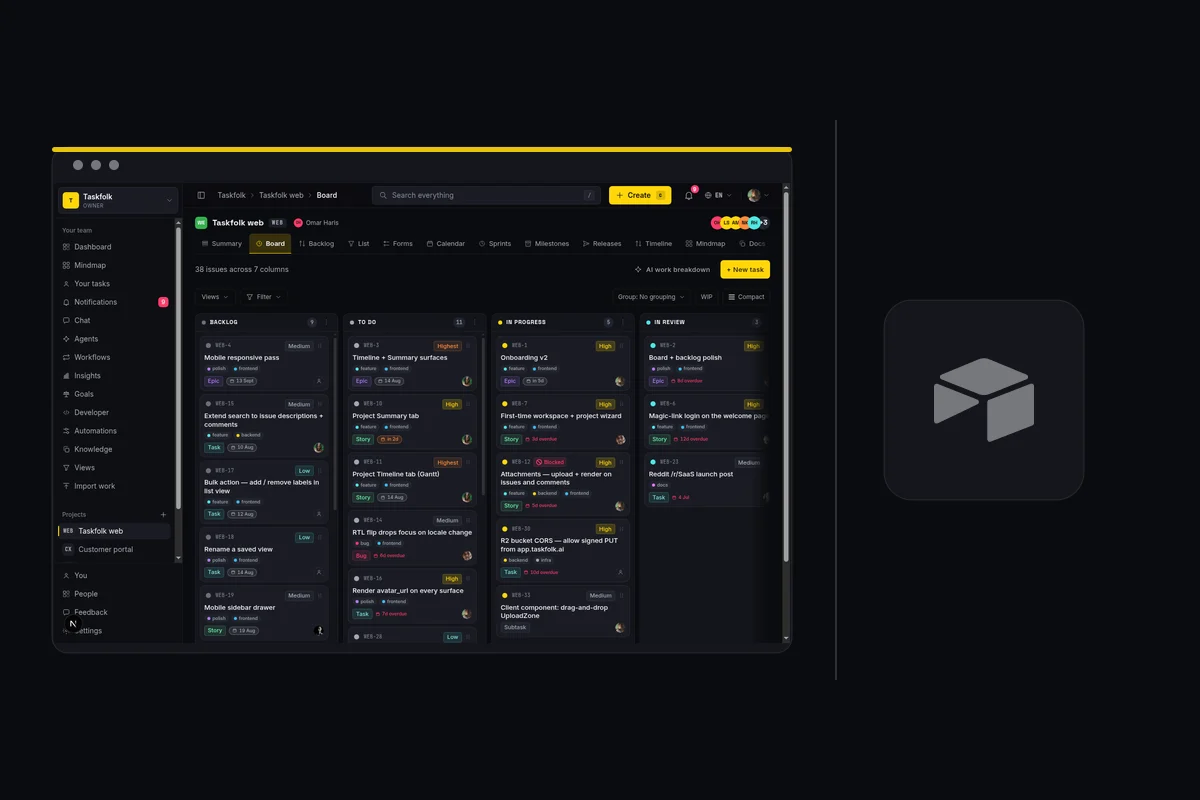
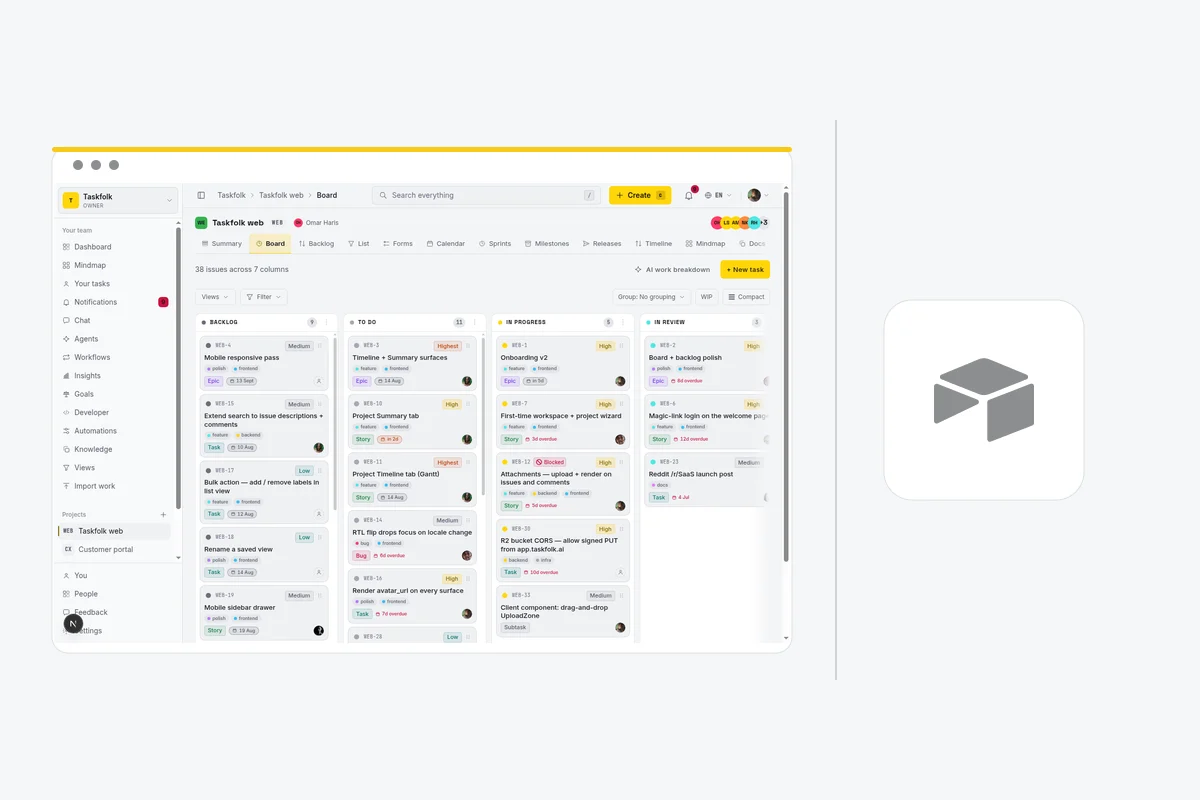
Issues have types, keys, estimates, and workflow rules. Board, backlog, sprints, velocity, burndown, and a timeline with dependencies are native, not a base you designed and now maintain.
You pay for builders only
Viewers are free with no cap on every plan, and there is no definition of editor that quietly pulls half the company into the bill.
Agents are members you assign
Connect Claude Code, Codex, Cursor, or any MCP client as a named agent, assign it issues, and watch its session on the ticket, with every change attributed in the activity log. Agent members are never billed as seats.
Switching from Airtable.
The honest objection to any comparison page is the move itself. Here is what it takes, without the sales gloss.
Connect Airtable
There is no Airtable connector. Download the table as CSV from Airtable and upload it. Taskfolk auto-maps common headers like Name, Status, Assignee, and Due, and you can remap any column before the run.
Map the columns
You get a preview before anything is written. Match their statuses, types, and priorities to yours, and merge the columns that were always the same thing.
Run the import
Free workspaces import 1,000 rows per run, Pro 10,000, Business 50,000. Anything large runs in the background and emails you when it finishes.
Invite the team
Add the people who change work as members and everyone else as viewers. Viewers are free with no cap, so there is no reason to leave stakeholders out.
What comes across
Titles, types, statuses, priorities, assignees matched by email, labels, descriptions, comments, attachment links, due dates, and estimates.
What does not
Activity history, tool-specific custom fields, and automation rules. Rules are worth rebuilding by hand anyway; most teams find half of them were dead.
Airtable tables carry more structure than a tracker needs. Bring the fields that drive work; anything that was there to compute a rollup has an equivalent in Taskfolk's reports.
If it does not work out
Your data stays yours
Every issue, comment, and attachment is readable through a REST API with over 180 operations. Nothing is trapped in a format only we can open.
No card to start
The trial needs an email address. There is no card on file, so there is nothing to cancel if you walk away.
Free is a real plan
When the trial ends the workspace drops to Free and keeps working. It does not lock, and it does not hold your issues hostage.
Common questions.
Why not just build a tracker in Airtable?
You can, and many teams do. What you own afterwards is the maintenance: sprints, velocity, burndown, and backlog ranking become formulas and rollups that drift whenever someone edits a field. In Taskfolk they are product features that stay fixed, and they cost $3 a builder rather than $20 a seat.
Who counts as a paid seat on Airtable?
Anyone with edit rights on any base in the workspace, which is a wider net than it first sounds. On a project tracker most people need to edit something, so the seat count tends to match the team rather than the builders. On Taskfolk only people who create or change work are billed.
What does Taskfolk not have that Airtable has?
The flexibility, and it is not close. Linked records, rollups, and field types bend into a CRM, a content calendar, or an inventory system, and interfaces turn a base into a real internal app. Taskfolk is an opinionated tracker and deliberately offers none of that.
Can I keep some bases in Airtable and track work in Taskfolk?
That is the arrangement most teams end up with. Keep the bases that are genuinely apps or datasets, move the sprint tracking to a tool that ships it, and link between them. Nothing forces an all-or-nothing migration.
What is Airtable's 1,000 records per base limit?
Airtable's free plan caps every base at 1,000 records, cut from 1,200 in early 2026, counted across all tables in the base. It also allows 5 editors, 1 GB of attachments per base, and 100 automation runs a month. When a base fills up you delete records or upgrade. Taskfolk's Free plan has no record or issue cap: unlimited issues across up to 5 projects, with unlimited members.
Try the whole thing free.
Every new team gets 14 days of Pro on their first workspace, no card. Keep the bases that are genuinely apps, and run your sprints somewhere they are already built.