Comparison

Taskfolk vs Basecamp.
Basecamp has argued for twenty years that most project tools are too complicated, and it is often right. Taskfolk agrees about the calm and disagrees about the tracker: sprints, estimates, and reports earn their place once a team ships software on a schedule.
Last updated: 15 Jul 2026
The quick answer
Choose Basecamp if you want a calm project hub with message boards, to-dos, and chat in one opinionated product, and especially if you are large: its $299 a month Pro Unlimited plan covers unlimited users and beats per-seat pricing above roughly 100 builders. Choose Taskfolk if you need a real tracker underneath, sprints, backlog ranking, velocity, burndown, and issue keys, plus AI agents working as named members. Taskfolk Pro is $3 per builder with free viewers.
The short version.
Pick Taskfolk if
- You ship software and need the tracker parts: a ranked backlog, sprints, estimates, velocity and burndown, and issue keys you can put in a commit message.
- You want AI coding agents as named members with live sessions on the ticket, which Basecamp does not attempt.
- Your team is under about 100 builders, where $3 a builder beats a $299 flat plan by a wide margin.
Stick with Basecamp if
- You are large. Pro Unlimited is $299 a month for unlimited users, and past roughly 100 builders no per-seat tool competes with that.
- Your work is client projects and internal coordination rather than engineering sprints, and message boards plus to-dos genuinely cover it.
- You believe in the Basecamp method and want a product that deliberately refuses to add the things Taskfolk ships.
Feature by feature.
| Feature | Taskfolk |  Basecamp Basecamp |
|---|---|---|
| Price, standard tier | $3 per builder / month. Viewers free, no cap | $15 per user / month (Pro, billed monthly) |
| Flat unlimited plan | No. Per builder, any number | Yes. Pro Unlimited, $299 / month billed annually |
| Free plan | Unlimited members, 5 projects | 1 project, up to 20 users, 1 GB |
| Free read access | Viewers free, unlimited, on every plan | Guests and clients free on paid plans |
| Backlog, sprints, velocity | Native | No. To-do lists and card tables instead |
| Issue keys and estimates | Yes, typed issues with keys, estimates, and workflows | No. To-dos without keys or estimates |
| Reports | Velocity, burndown, cumulative flow, workload | Hill charts and a activity report |
| Docs and chat | Both built in | Both built in (docs and Campfire) |
| Timeline / Gantt | Built in, with dependencies | No, by design |
| Named AI agents as members | Yes, with their own profile and attribution, never billed as seats | No |
| Live agent sessions on the ticket | Yes, see which agent is running, blocked, or ready for review | No |
| MCP server | Yes, first-party, covers the full API | No first-party MCP server |
| Trial | 14 days of Pro on your first workspace, no card | 30 days on Pro, 60 on Pro Unlimited |
Rival prices and limits are public list prices as of August 2026. Check basecamp.com/pricing for current numbers.
What a real team pays.
This is the one comparison on the site where the other tool wins on price at scale, and pretending otherwise would be insulting. Basecamp's Pro Unlimited plan is $299 a month for as many people as you like. The crossover is around 100 builders: below it Taskfolk is far cheaper, above it Basecamp is.
Team of 8 builders and 20 viewers, per month
- Basecamp Pro: 8 users x $15 = $120, guests free
- Taskfolk Pro: 8 builders at $3 = $24, viewers free
At 100 builders the two are level, roughly $300 either way, and past that Basecamp's flat plan is the cheaper answer. What you would be giving up to take it is the tracker: sprints, velocity, burndown, dependencies, and agents. Price the features, not just the seats.
Run it on your own team
Count the people who create and move work, then the people who mostly read. That split, not the sticker price, is what decides the bill.
- TaskfolkProviewers free5 x $3$15 / month
- BasecampProviewers free5 x $15$75 / month
Standard team tier, annual billing, public list prices as of August 2026. Monday has a 3-seat minimum and sells seats in buckets; its real bill is at least the figure shown.
Cheapest way to settle this is to try it
14 days of Pro on your first workspace, no card. Import a real project, put your actual team in, and look at the board on a Monday.
Where Basecamp is genuinely strong.
Flat pricing at scale
Unlimited users for $299 a month is the most honest deal in the category for a large organisation, and no per-seat vendor, us included, can match it once you are big enough.
A real point of view
Basecamp says no to features on purpose and has done for two decades. That discipline is why teams who like it really like it, and it is not something a feature table captures.
Everything in one calm place
Message boards, to-dos, schedules, docs, and chat live together without configuration. For client work and internal coordination that is often the whole job.
Where Taskfolk is different.
A tracker, not a project hub
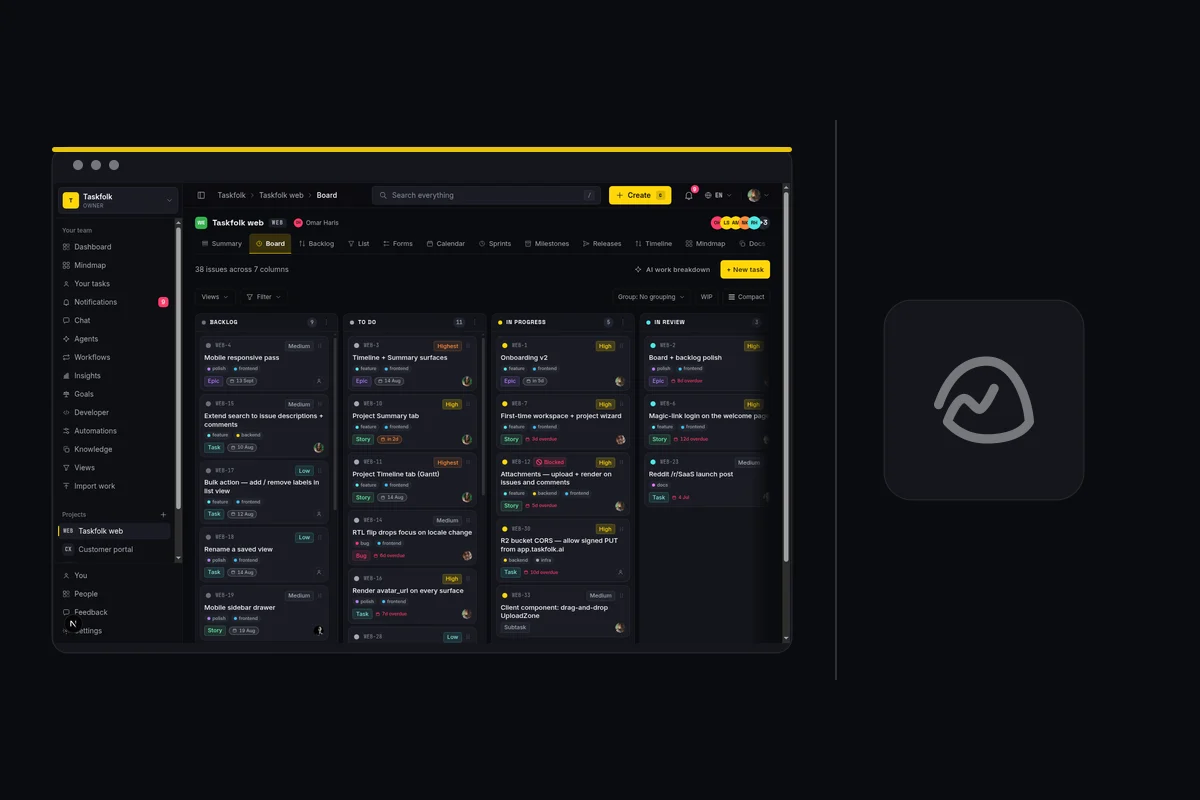
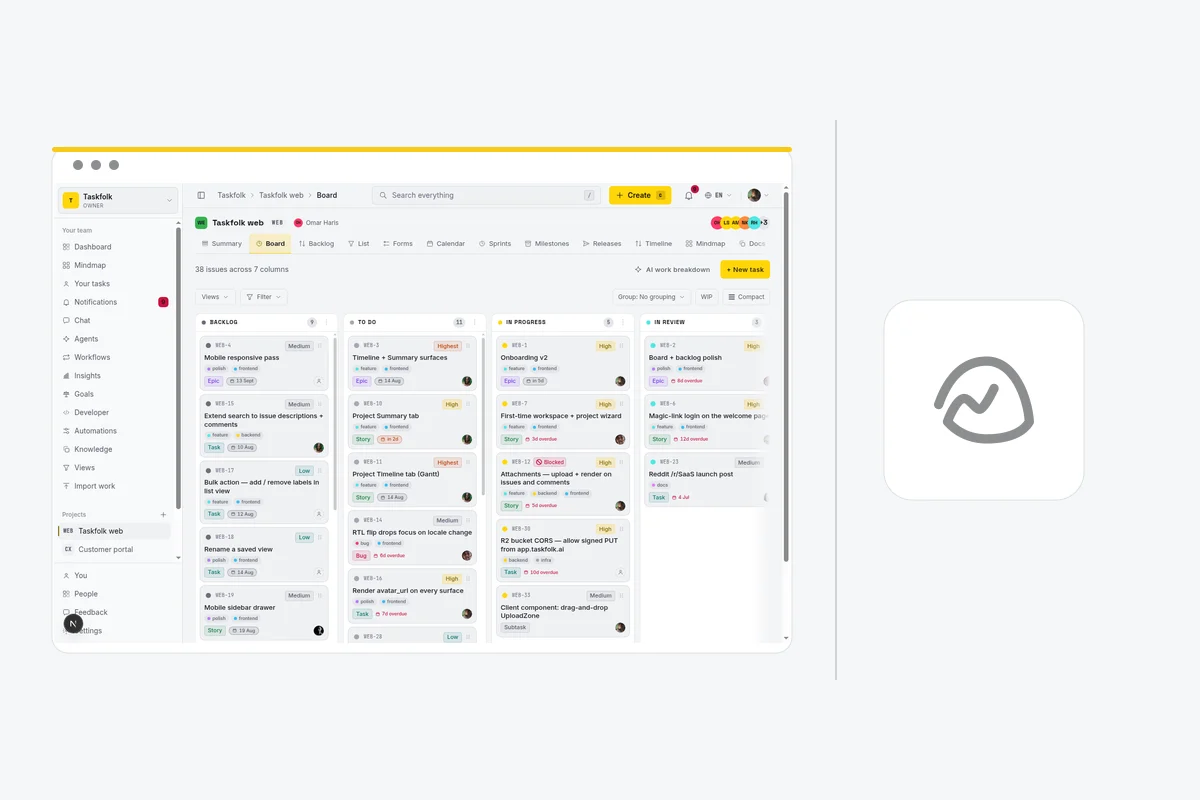
Issues have types, keys, estimates, and workflow rules. Backlog ranking, sprints, velocity, burndown, and a timeline with dependencies are native, and they are the things Basecamp deliberately leaves out.
Agents are teammates
Connect Claude Code, Codex, Cursor, or any MCP client as a named agent. Assign it issues, watch its session run on the ticket, and see every change attributed in the activity log. Agent members are never billed as seats.
Calm without giving up the numbers
You can hold both: a quiet interface and a real velocity chart. Taskfolk's answer to complexity is fewer surfaces, not fewer measurements.
Switching from Basecamp.
The honest objection to any comparison page is the move itself. Here is what it takes, without the sales gloss.
Connect Basecamp
There is no Basecamp connector. Export a project's to-dos to CSV from Basecamp and upload it. Taskfolk auto-maps common headers and lets you remap any column before the run.
Map the columns
You get a preview before anything is written. Match their statuses, types, and priorities to yours, and merge the columns that were always the same thing.
Run the import
Free workspaces import 1,000 rows per run, Pro 10,000, Business 50,000. Anything large runs in the background and emails you when it finishes.
Invite the team
Add the people who change work as members and everyone else as viewers. Viewers are free with no cap, so there is no reason to leave stakeholders out.
What comes across
Titles, types, statuses, priorities, assignees matched by email, labels, descriptions, comments, attachment links, due dates, and estimates.
What does not
Activity history, tool-specific custom fields, and automation rules. Rules are worth rebuilding by hand anyway; most teams find half of them were dead.
Basecamp to-do lists become board statuses, which is usually the moment a team realises how much of its process was living in a list name. Merge them while you map.
If it does not work out
Your data stays yours
Every issue, comment, and attachment is readable through a REST API with over 180 operations. Nothing is trapped in a format only we can open.
No card to start
The trial needs an email address. There is no card on file, so there is nothing to cancel if you walk away.
Free is a real plan
When the trial ends the workspace drops to Free and keeps working. It does not lock, and it does not hold your issues hostage.
Common questions.
Is Basecamp cheaper than Taskfolk?
Only above roughly 100 builders. Basecamp Pro Unlimited is $299 a month flat for unlimited users, so past that crossover no per-seat tool competes. Below it Taskfolk is far cheaper: 8 builders cost $24 a month against $120 on Basecamp Pro at $15 per user.
Can I import my Basecamp projects?
Through CSV, not a connector. Export a project's to-dos from Basecamp and upload the file; Taskfolk auto-maps common headers and lets you remap any column before the run. Free workspaces import 1,000 rows per run, Pro 10,000, Business 50,000.
What does Taskfolk not have that Basecamp has?
The flat unlimited plan and the discipline behind it. Basecamp's $299 tier has no equivalent here, and its refusal to add features is a genuine product philosophy rather than a gap. Its Hill Charts and client-facing project model are also better suited to agency work than anything Taskfolk offers.
We like Basecamp's calm. Will Taskfolk feel heavier?
Some, and honestly so: a backlog, sprints, and reports are more moving parts than message boards and to-dos. The trade is that those parts answer questions Basecamp cannot, like what the team's velocity is or which work is blocking a release. If nobody on your team asks those questions, Basecamp's simplicity is the better deal.
What does Basecamp's free plan include?
Basecamp's free tier covers 1 project with up to 20 users and 1 GB of storage, aimed at trying the product on a single effort. A second project moves you to Basecamp Plus per user or Pro Unlimited at a flat rate. Taskfolk Free covers 5 projects with unlimited members and issues, which is usually enough for a small studio's whole client list.
Try the whole thing free.
Every new team gets 14 days of Pro on their first workspace, no card. Run one sprint with a real backlog and see whether the tracker earns its keep.