Notion's free plan and 1,000 blocks: the wall at member two
Notion Free is unlimited for one person. Add a second member and the workspace is capped at 1,000 blocks. What that costs, and when to run the work elsewhere.

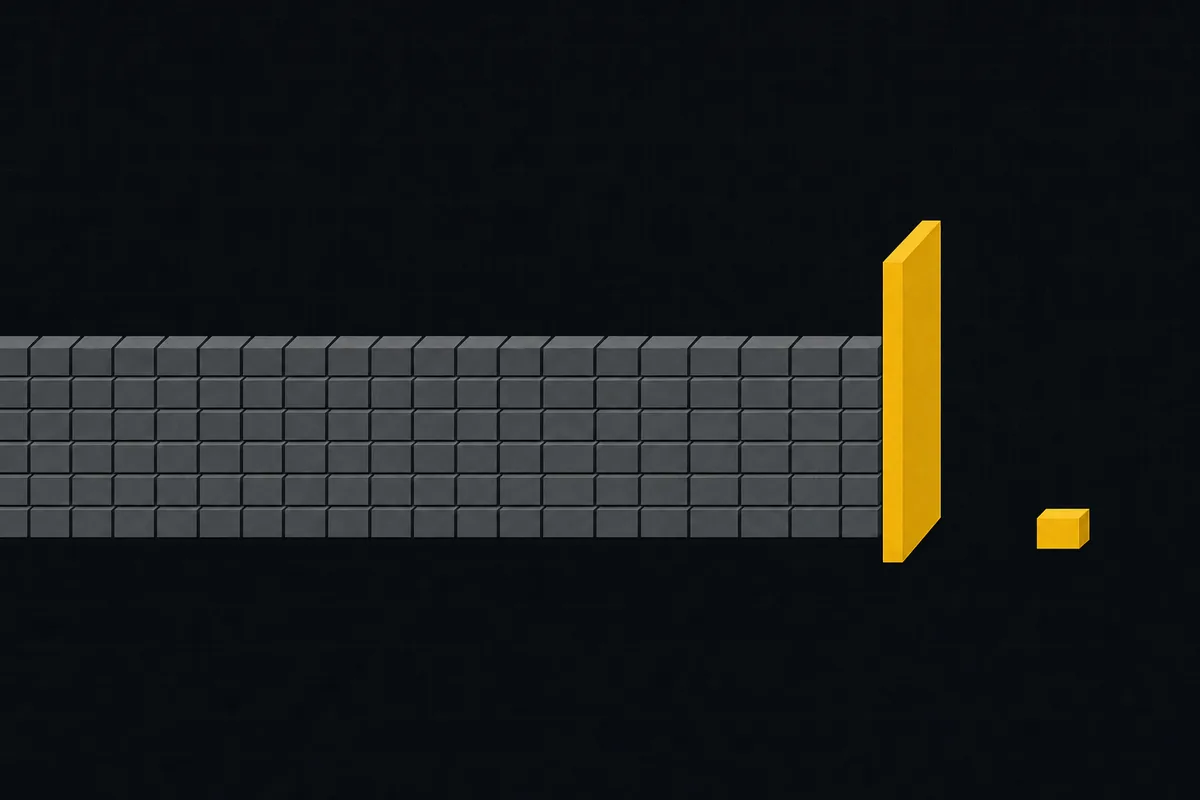
Notion's free plan is genuinely unlimited while you are alone in it. Write as much as you like, nest pages as deep as you like, build the database of your dreams. Nothing is counted. That has been true since 2022, and it is why so many side projects and personal systems live happily in Notion.
Re-checked on 23 September 2026: still unlimited blocks for a single-member free workspace, with the 1,000-block cap returning at two or more members.
Then you invite one person, and the accounting changes. A free workspace with two or more members is capped at 1,000 blocks for the whole workspace. Not 1,000 pages. Blocks.
That is the shape of the trap. The plan that felt infinite on Sunday starts metering on Monday, and what flipped the switch was the most ordinary action available: adding a teammate.
What a block is, and how fast a project database eats 1,000
A block is Notion's atomic unit of content. A paragraph is a block. So is a heading, a bullet, a checkbox, a toggle, a divider, a callout, an image. Every row in a database is a page, a page is a block, and everything written inside it is more blocks.
Which means the meter runs fastest on exactly the work that made you invite someone in the first place.
| One normal week of team work | Blocks it costs |
|---|---|
| Meeting notes, one heading plus 12 bullets | 13 |
| A short spec: 5 headings, 15 paragraphs, a checklist of 8 | 28 |
| 40 task rows in a project database | 40, before a single one has a description |
| A retro page, 20 bullets across 3 sections | 23 |
Multiply that by four weeks and a few people. A team that actually uses its workspace passes 1,000 in a month or two, and a team importing an existing project can pass it in an afternoon. When you get there, the workspace stops taking new blocks. What you already wrote stays readable, but adding anything means deleting something first or upgrading. Notion Plus runs about $10 per seat per month billed annually, so five people is roughly $600 a year, which was not the plan when you picked the free tier.
The blunt version: on Notion Free with a teammate, writing things down has a budget.
Notion's 1,000 block limit has a supporting cast
The block cap gets the attention, and it should. Two other free-plan rules tend to bite in the same week.
File uploads are capped at 5 MB each. That covers a screenshot and not much else. A short screen recording of the bug you are reporting, a PDF from a client, a design export, all bounce.
Guests are capped at 10. Guests are how you bring in a contractor, a client, or a reviewer without giving them a full seat, so 10 is the ceiling on how many outsiders can ever see the work.
Page history on free is 7 days. If someone flattens a page and nobody notices for a fortnight, that version is not coming back.
None of these are scandals. They are a free tier doing its job: pleasant alone, inconvenient together.
The honest fork: notes, or the work itself
Notion is a wonderful wiki. The writing experience beats almost everything else, and for handbooks, meeting notes, and specs it has earned its reputation.
The trouble starts when a team tries to run its projects inside Notion databases. Then every task, every status update, every comment written out longhand is spending from a 1,000-block budget, and the tool you chose for writing is charging you for the thing you do most.
So the fork is not "Notion good" or "Notion bad". It is: what is this workspace mostly for?
- Mostly notes, specs, and a wiki with a light task list on the side. Stay. Notion is the better tool for that, and the cap will take a long time to matter.
- Mostly running a team's work, with docs attached to it. A tracker fits better, and you want one where issues are not priced by the paragraph.
What the other side looks like, caps included
Taskfolk is our product, so read this knowing that. Here is the free plan with the corners left on.
Free gives you unlimited issues and unlimited members. No block cap, no issue cap, no gate on inviting the whole team. Docs live in the same workspace as the work, so a spec sits beside the tickets that implement it. The limits are up to 5 projects, 128 MB of file storage, and 25 AI credits a month. Those are real. If you need a sixth project, or you attach a lot of files, you will hit them, and then Taskfolk costs money like everything else.
When you outgrow free, pricing is $3 per builder per month, and people who only need to read are free with no cap. Against roughly $10 per seat on Notion Plus, that gap widens with every person who just wants to watch.
The feature-by-feature version is Taskfolk vs Notion, and there is a longer writeup on keeping the docs while gaining a tracker.
Moving what you already wrote
Two paths, and neither is magic.
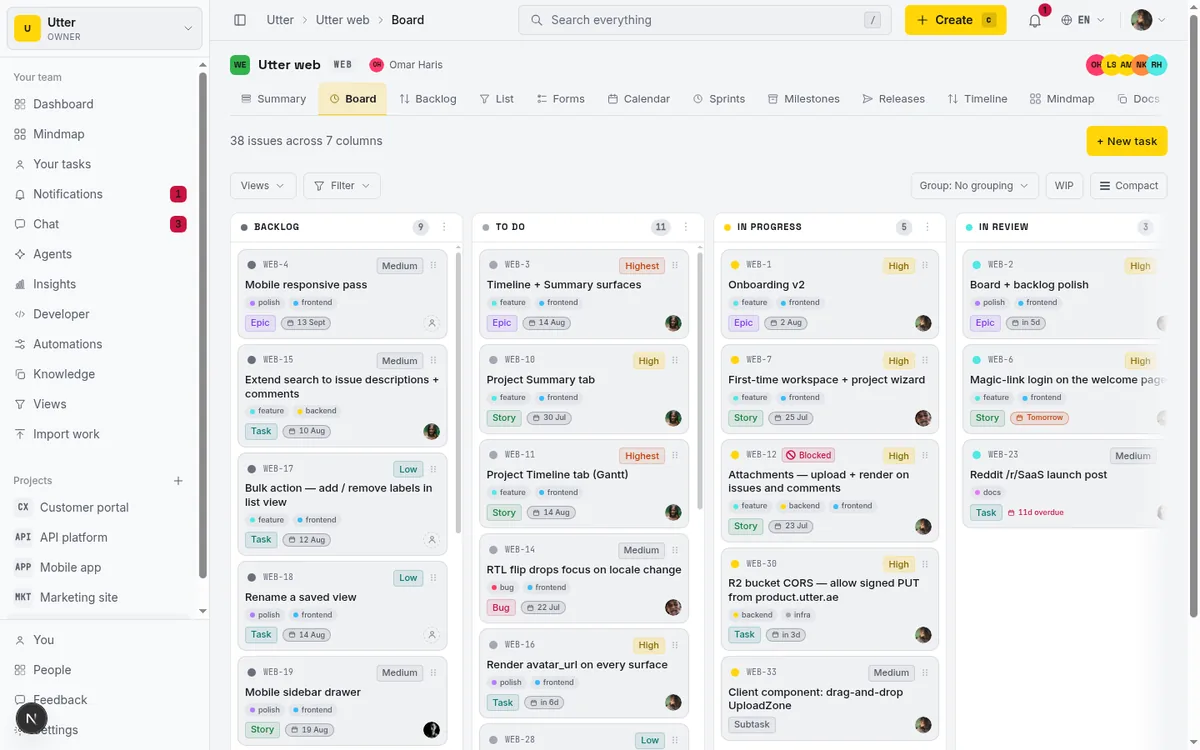
Task rows leave Notion as CSV, and Taskfolk imports CSV with column mapping, so titles, statuses, assignees, and dates come across as issues. The import walkthrough covers the mapping step.
Prose is easier than people expect. Notion exports pages as markdown, and Taskfolk docs take pasted markdown, so specs and meeting notes land intact.
What does not survive: database views, formulas, rollups, and relations between databases. If those are load-bearing for you, that is a real reason to stay put, and I would rather say it now than let you find out mid-migration.
Agents are members, not seats
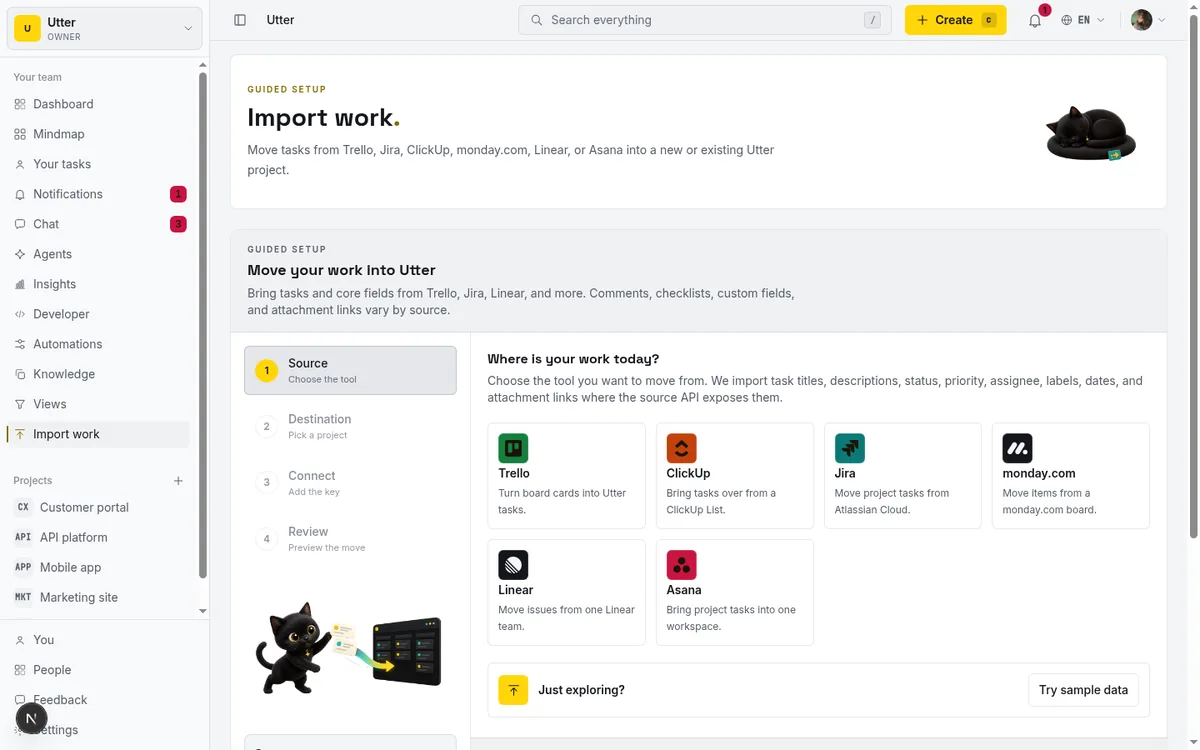
Worth knowing if you already work with AI coding tools. In Taskfolk, Claude Code, Codex, and Cursor connect as named workspace members. They get assigned issues like anyone else, their changes are attributed to them in the activity log, and they never count as billed seats. Same reasoning as free viewers: pay for the people doing the work. More on that in do AI agents count as seats.
Where this leaves you
If your workspace is a wiki with a task list bolted on, Notion Free will serve you for years and this post is not for you.
If you invited a second person because you wanted to run real work together, the wall at 1,000 blocks is not something you can configure around. It is the free plan telling you what it was built for. Either pay Notion for the room, or run the work in a tracker that does not charge by the paragraph and keep Notion for the writing it is great at.
Taskfolk Free is unlimited issues and unlimited members across 5 projects. Point one project at it for two weeks and you will know which side of the fork you are on.
Frequently asked questions
Does Notion's free plan really stop at 1,000 blocks?
For a solo workspace, no: a single member gets unlimited blocks, and has since 2022. The cap applies once a free workspace has two or more members. At that point the whole workspace is limited to 1,000 blocks, and adding a teammate is what triggers it.
What counts as a block in Notion?
Almost everything you type. A paragraph, a heading, a bullet, a checkbox, a toggle, a divider, a callout, and an image are each one block. Every row in a database is a page, which is itself a block, and its contents are more blocks. A single meeting note with a heading and 12 bullets costs 13.
What happens when a free Notion workspace hits the cap?
The workspace stops accepting new blocks. Everything already written stays readable, but to add anything you either delete existing content or upgrade. Notion Plus is about $10 per seat per month billed annually, so a team of five is roughly $600 a year.
Is Taskfolk's free plan really unlimited?
Unlimited on the two things Notion meters: issues and members. There is no block cap, no issue cap, and no charge for inviting the team. The real limits are 5 projects, 128 MB of file storage, and 25 AI credits a month. Paid starts at $3 per builder per month, and viewers stay free.
Related reading

Free project management software: what the free tiers give you
What the free tiers of Trello, Asana, ClickUp, Notion and Jira actually give you, which cap stops a small team first, and how Taskfolk Free compares.
16 July 2026 · 16 min read
Record 1,001: when your Airtable base stops taking tasks
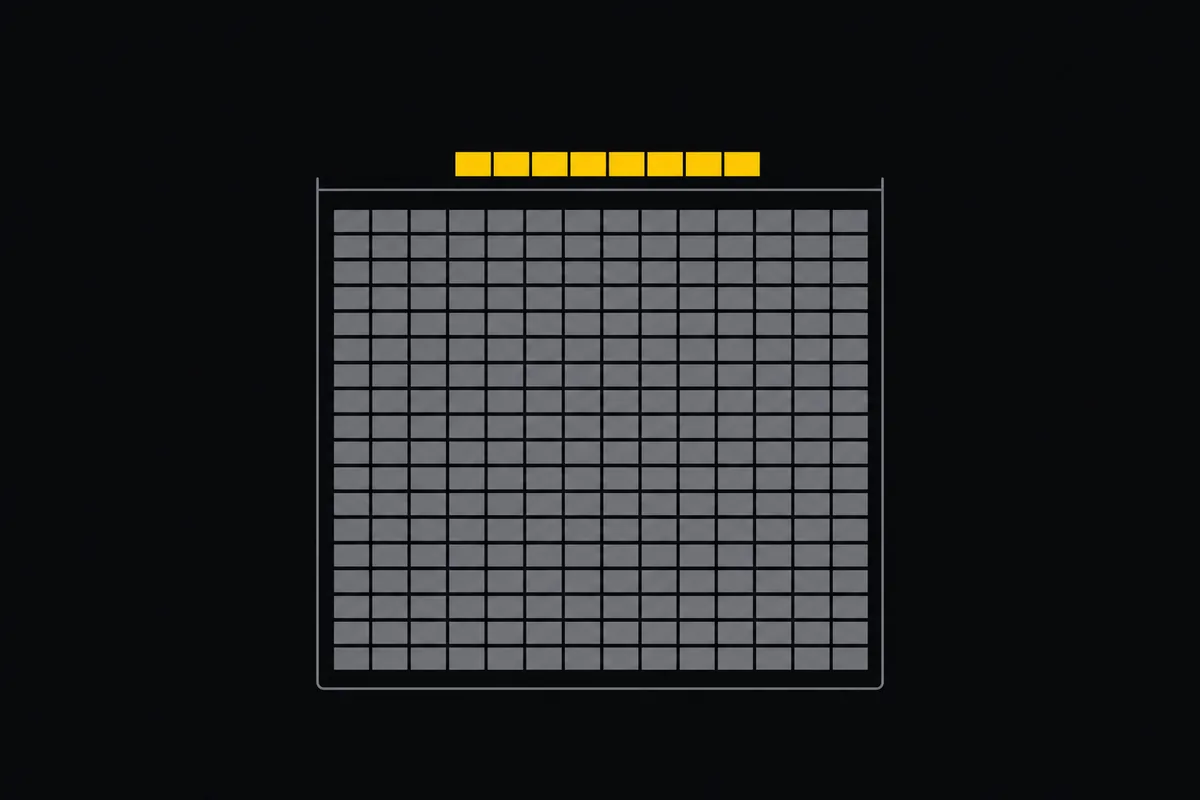
Airtable's free plan caps every base at 1,000 records, counted across all tables. What the cap covers, who should stay, and how task teams move out.
18 August 2026 · 6 min read
Asana's free plan is now a party of two
Asana cut its free plan to 2 users for accounts created after November 12, 2025. What changed, what the third teammate costs, and how to plan around it.
18 August 2026 · 6 min read
What happens at issue 251 on Linear's free plan
Linear Free stops at 250 non-archived issues. What the block actually does, the seat math for a team of eight, and how to move without losing history.
18 August 2026 · 6 min read

100 uses, forever: the ClickUp counter that never resets
ClickUp's Free Forever plan meters Gantt and custom fields at 100 lifetime uses that never reset. How the counters work, and life without them.
18 August 2026 · 6 min read
A Notion alternative for project management (docs plus a tracker)
A Notion alternative that keeps your docs and adds a real tracker: category-backed statuses, native sprints with carryover, computed burndown, agents over MCP.
16 July 2026 · 17 min read

Asana alternatives that cost less and speak agent
Asana alternatives for growing teams: how Asana's tiered seats round your bill up, and how $3 per-editor pricing with free viewers and agents changes it.
16 July 2026 · 17 min read

Jira alternatives in 2026: what you actually pay per seat
Six Jira alternatives compared honestly: Linear, ClickUp, Asana, Monday, Trello, and Taskfolk, with real per-seat math and where each one actually fits.
11 July 2026 · 9 min read
Monday.com alternatives built for software teams
Monday.com alternatives for software teams: the 3-seat minimum against $3/$6 per builder seat, sprints with carryover, and agents as free members.
16 July 2026 · 16 min read
Project management for small agencies (clients in, chaos out)
Project management for agencies without the seat tax: scoped projects isolate each client, guests and viewers are free, and public forms take intake with no account.
16 July 2026 · 18 min read
Add a comment
Start the conversation.