المدونة
إدارة المشاريع بالذكاء الاصطناعي، عمليًا.
22 من المقالات ضمن شروحات
كيفية استخدام Webhooks
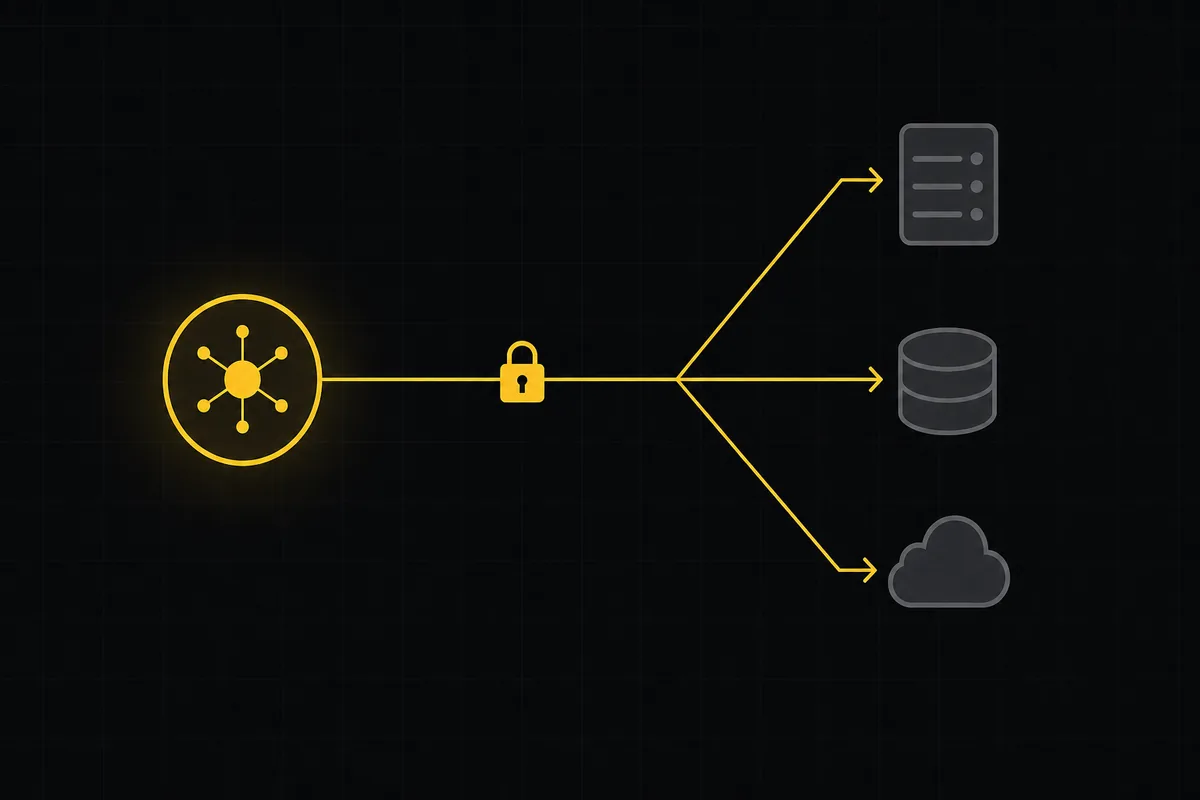
أعدّ Webhooks الصادرة في Taskfolk: أنشئ واحدًا، وتحقّق من توقيع HMAC (مأزق sha256 للسرّ)، وتعامل مع التسليم مرة واحدة على الأكثر، ومرّر أحداث اللوحة إلى Slack.
كيف تستخدم محادثة الفريق
دليل عملي لمحادثة الفريق داخل أداة إدارة المشاريع: القنوات، والرسائل المباشرة، والسلاسل، وإشارات @، وإرفاق الملفات، والحدود الصريحة، كل ذلك بجوار مهامك.

كيفية تتبّع الملاحظات والتصويت عليها
جولة عملية في لوحة ملاحظات المنتج وخارطة الطريق في Taskfolk: انشر الأفكار، وصوّت، واقرأ لوحة التتبّع وسجل التغييرات كخارطة طريق عامة حيّة.

كيف تدير الفوترة والخطط في Taskfolk
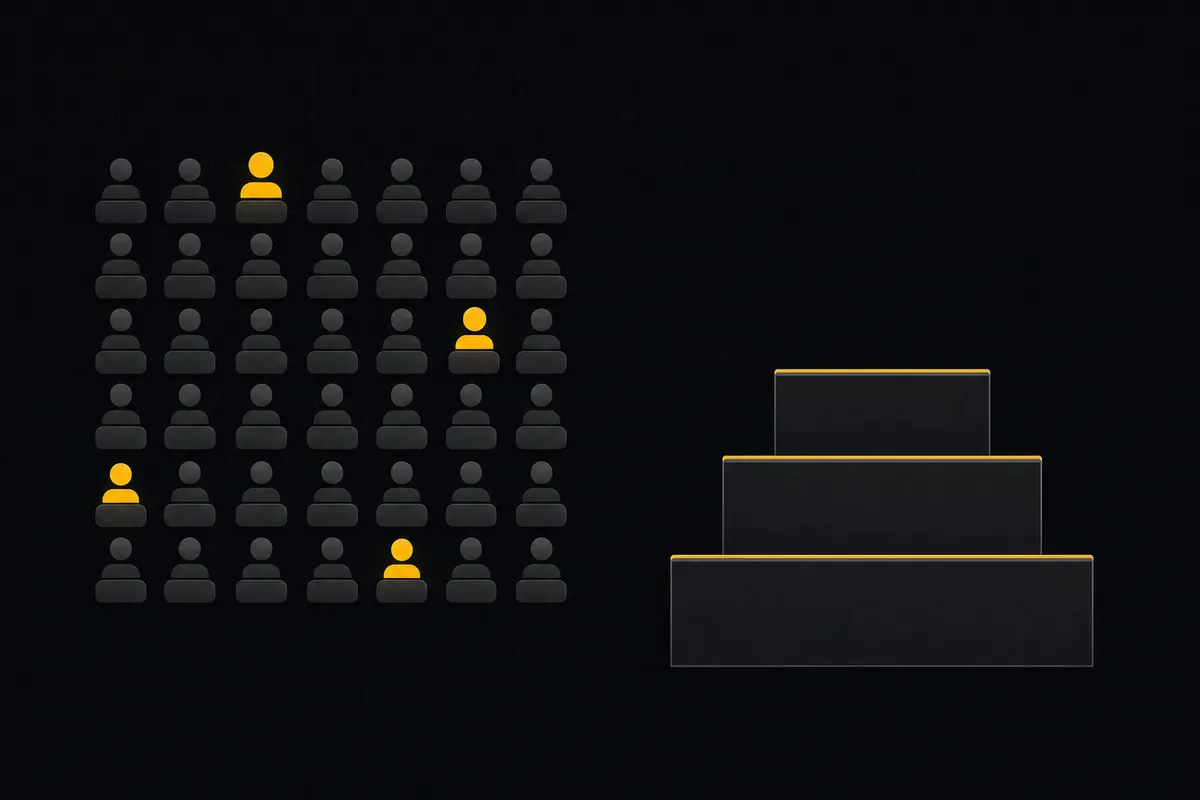
دليل كامل لإدارة خطتك ومقاعدك وفوترتك في Taskfolk: من يُحتسب كمقعد منفّذ، ولماذا المشاهدون والوكلاء مجانيون، وأين تنتقل إلى خطة أعلى عبر Stripe Checkout وأين تنتقل إلى خطة أدنى أو تلغي عبر بوابة Stripe. يشرح رصيد الذكاء الاصطناعي (المنحة الشهرية مقابل المشترى)، وحدود مساحة التخزين والإضافات، وتجربة Pro المجانية لمدة 14 يومًا.
كيف تستخدم مساعد الذكاء الاصطناعي
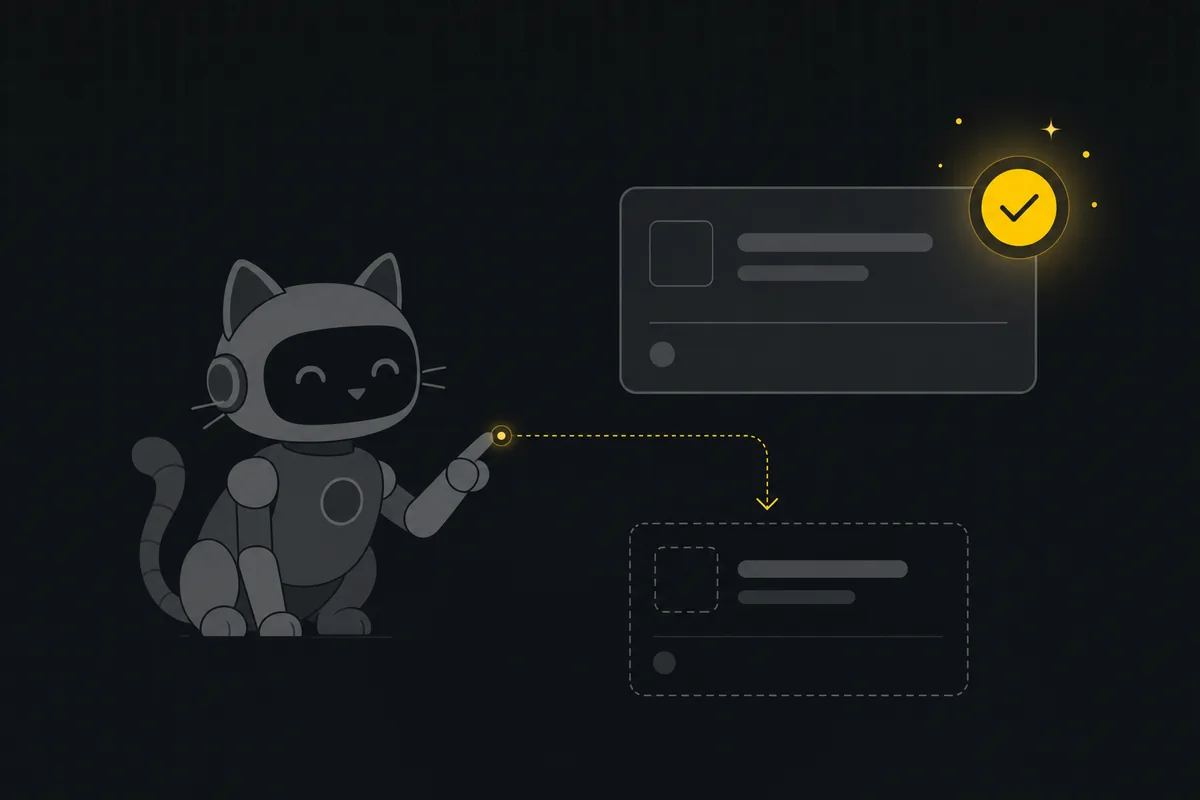
كيف تدير لوحتك بمساعد الذكاء الاصطناعي في Taskfolk: اطرح أسئلة مؤسّسة، أنشئ المهام وافرزها من جملة، ووافق على كل تغيير قبل أن يهبط.
كيف تثبّت Taskfolk كمهارة لوكيل ذكاء اصطناعي
ثبّت Taskfolk كمهارة في وكيل الذكاء الاصطناعي البرمجي لديك: أمر MCP واحد لـ Claude Code، وملف إعداد لـ Cursor و VS Code، أو تنزيل SKILL.md لـ OpenCode و Codex.

طريقة ربط GitHub بأداة إدارة مشاريعك
اربط GitHub بأداة إدارة المشاريع في Taskfolk: سجّل مستودعًا، اضبط الـ webhook، واربط الـ commits تلقائيًا بالمهام عبر #KEY-NUM. القواعد والحدود كاملةً.

كيف تضبط صلاحيات الحقول لوكيل الذكاء الاصطناعي
قيّد ما يستطيع وكيل ذكاء اصطناعي تعديله في Taskfolk بقائمة سماح حقول لكل وكيل: اضبطها، واقرأ شارة Restricted، وتحقّق من عمل الوكيل. شرح كامل.

كيف تستخدم الخريطة الذهنية
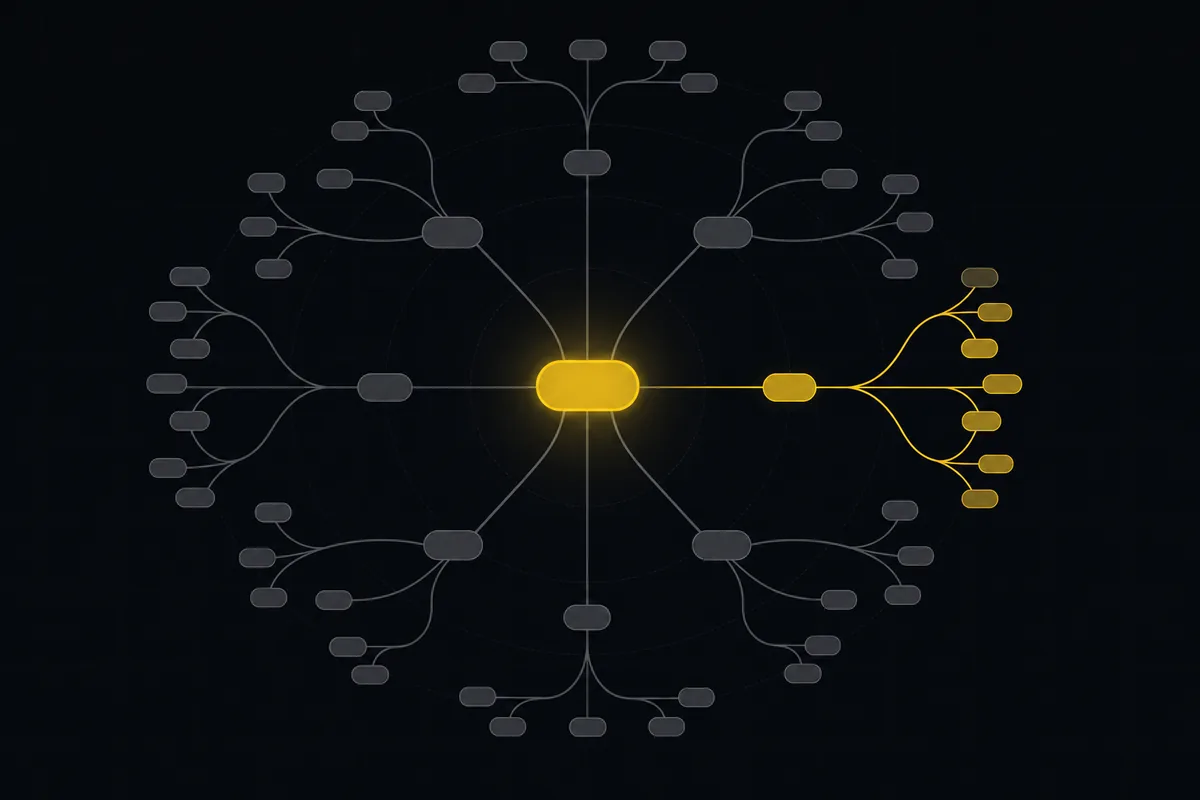
كيف تستخدم الخريطة الذهنية للمشروع في Taskfolk: افتح الشجرة الشعاعية، واقرأ الشارات، ووسّع الفروع وصفِّها، وجمّع حسب التسلسل الهرمي أو الحالة أو الأشخاص، وصدّر ملف PNG.
طريقة البحث في مساحة عملك
ابحث في المهام عبر المشاريع في Taskfolk من حقل واحد في الشريط العلوي: اختصار /، والاقتراحات الفورية الحية، والقفز عبر مفتاح WEB-12، وصفحة النتائج الكاملة بمرشّحات النوع والحالة والأولوية، والحدود الحقيقية.

اختصارات لوحة المفاتيح في Taskfolk: الدليل الكامل
يأتي Taskfolk بمجموعة ثابتة من اختصارات لوحة المفاتيح: لوحة مساعدة، ولوحة أوامر، ومفتاح لإنشاء المهمة التالية، واختصارات تنقل، ومفاتيح مفردة لتعديل حقول المهمة. يشرح هذا الدليل كل اختصار، وأين يعمل وأين يصمت، ويعطيك ترتيبًا عمليًا لتعلمها.

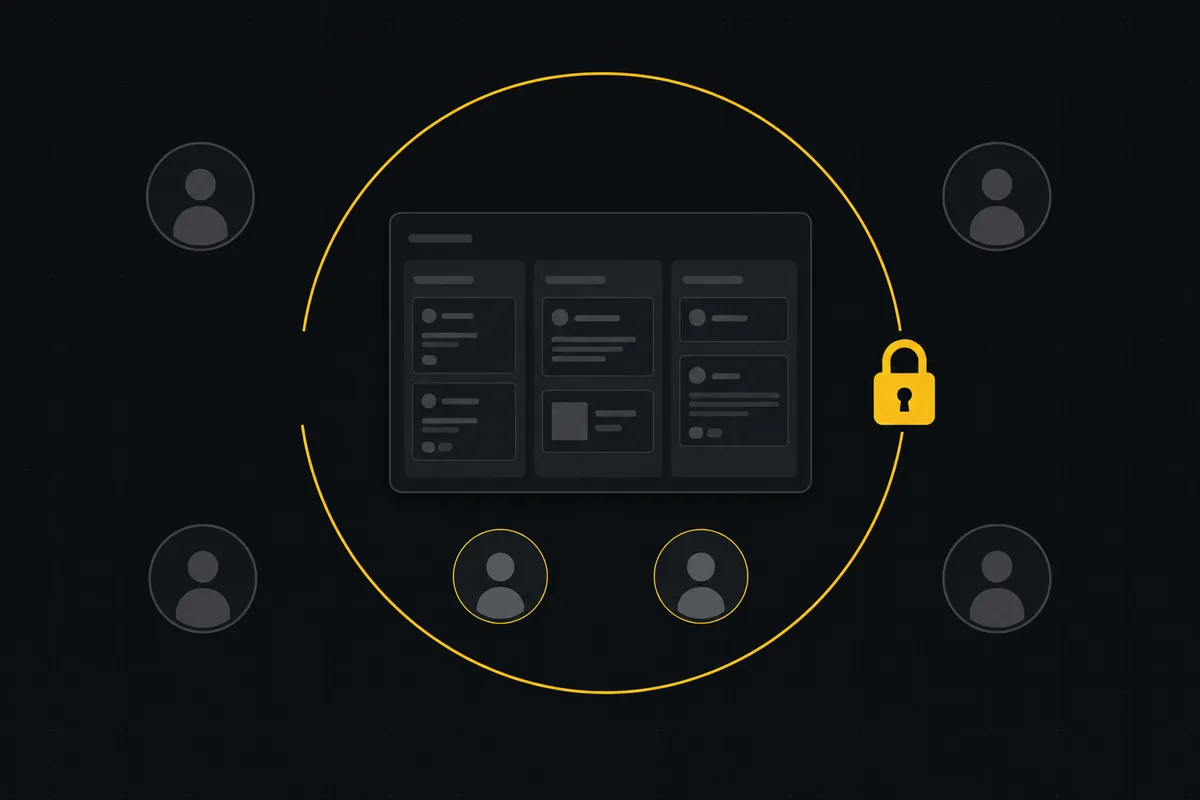
كيف تقيّد الوصول إلى مشروع
قيّد الوصول إلى مشروع على أعضاء محددين في Taskfolk: اقلب مفتاح التقييد، أضف الأشخاص المناسبين، وافهم ما لا يفعله دور المشروع.
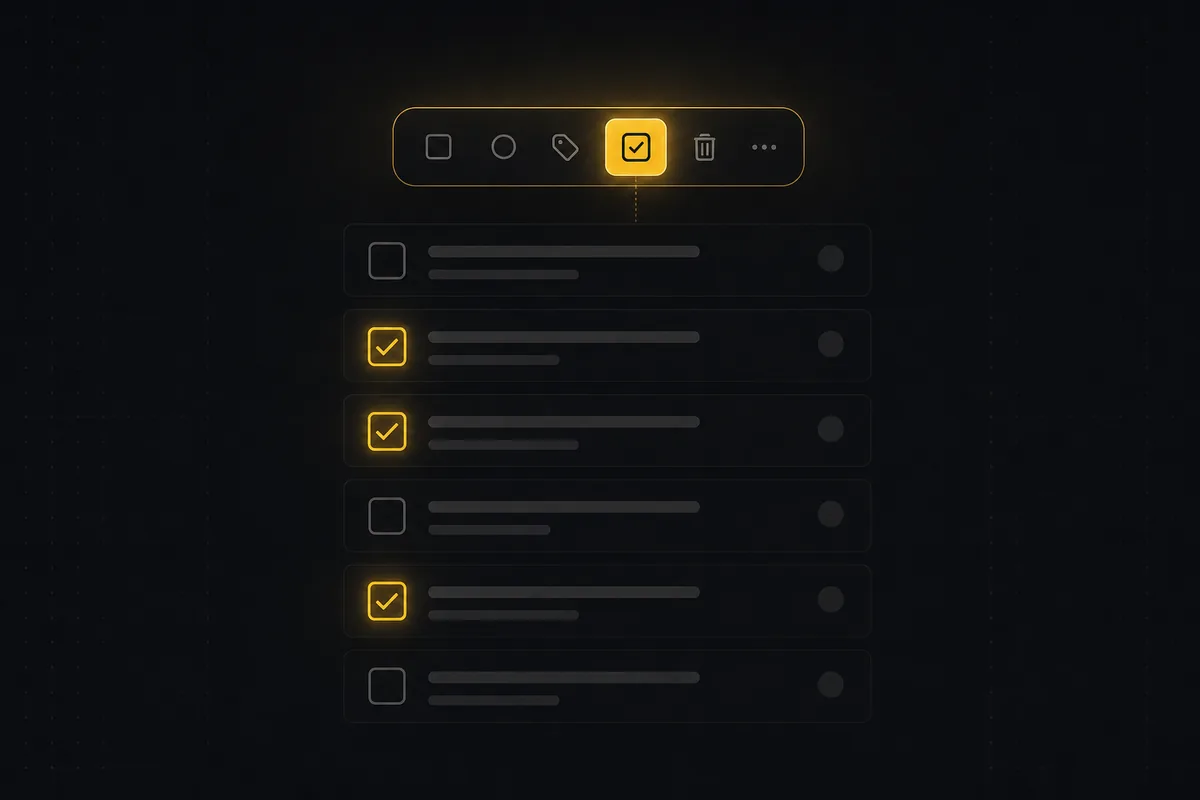
كيف تعدّل المهام جماعيًا
كيف تعدّل المهام جماعيًا من عرض القائمة في Taskfolk: الاختيار المتعدد، الحالة والأولوية الجماعية، إلغاء الإسناد، الأرشفة، والفرز بالذكاء الاصطناعي مع إبقاء الإنسان في الحلقة، إضافةً إلى الحدود الحقيقية.
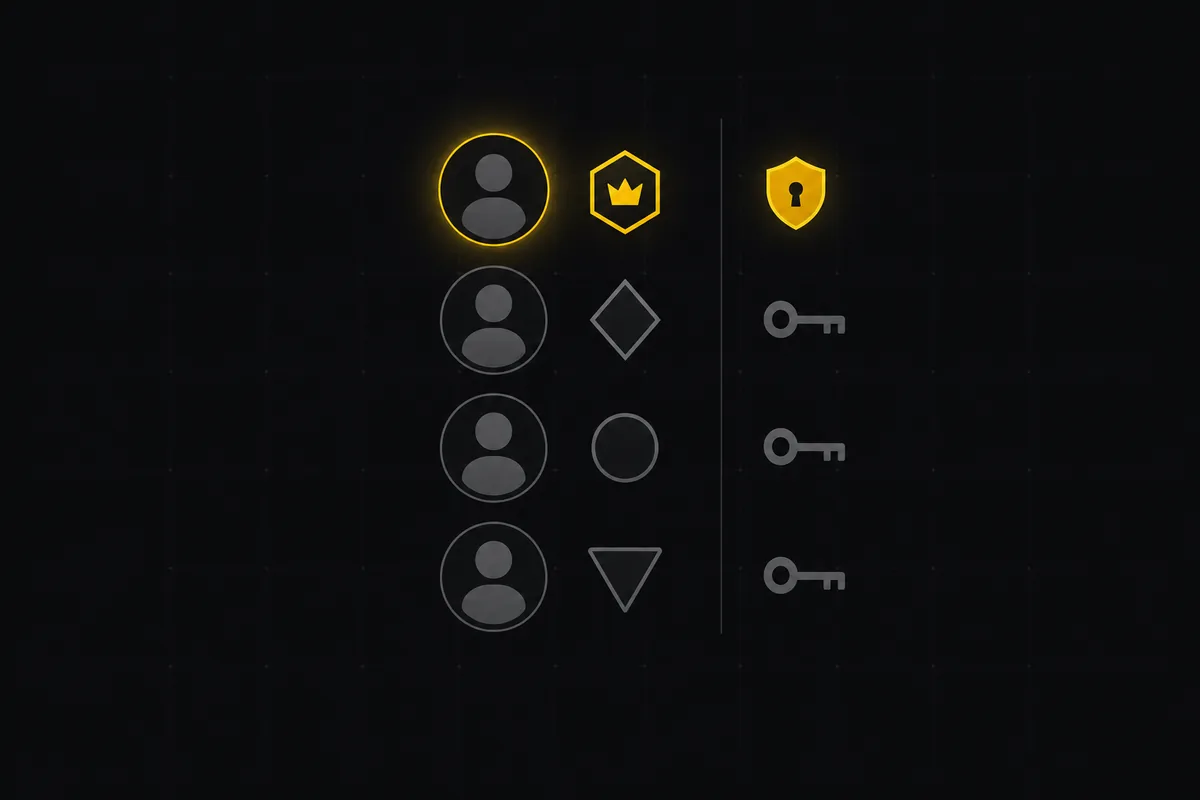
كيف تدير الأدوار والصلاحيات
تعلّم كيف تعمل أدوار وصلاحيات إدارة المشاريع في Taskfolk: الأدوار الخمسة، والدعوة بالوصول الصحيح، والمشاريع محدّدة النطاق، ومن يدفع مقابل مقعد.
كيف تفوّض العمل إلى وكيل
أسنِد مهمة إلى وكيل ذكاء اصطناعي في Taskfolk بمنتقي المُسند إليه نفسه الذي تستخدمه مع الأشخاص، وافهم الجلسة المنتظرة، ومسار الالتقاط، والحدود الحقيقية.

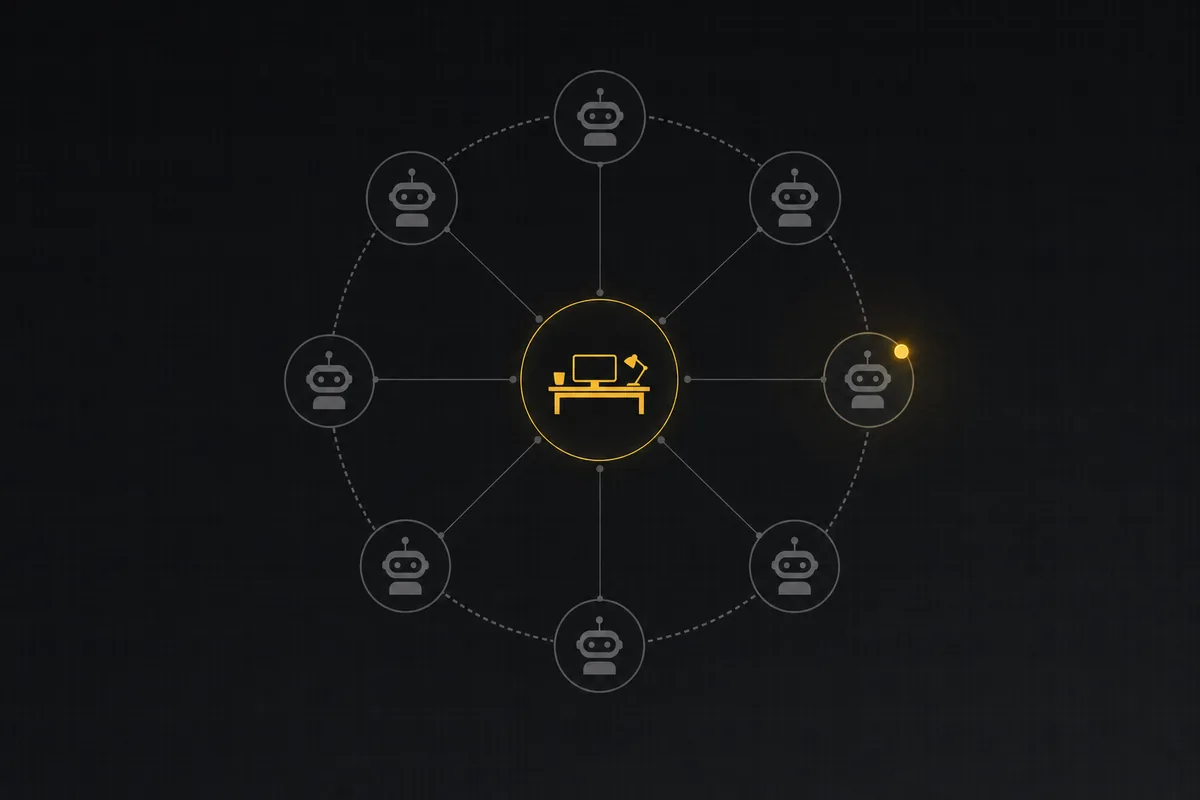
كيف ترسم خريطة فريق وكلائك
تعرض خريطة الوكلاء كل وكيل ذكاء اصطناعي في مساحة العمل، ومن يملكه، وعمله الحيّ على شجرة شعاعية واحدة. كيف تقرأ نقاط الحالة، وتعيد التجميع، وتمسك التعثّر.
كيف تنشئ أول مساحة عمل لك
البدء مع أداة إدارة مشاريع: سجّل الدخول عبر الرابط السحري (بلا كلمة مرور)، وأنشئ أول مساحة عمل لك وslug، واضبط issue key دائمًا للمشروع.

كيف تقرأ ملخص المشروع
اقرأ تبويب الملخص لمشروع Taskfolk باحتراف: ماذا تعرض كل بطاقة، وكيف يُحسب كل رقم، وكيف تبدو الحالة الجيدة، وأين تتوقّف لوحة التحكم.
كيفية تنظيم العمل بالملاحم والمهام الفرعية
تعلّم تسلسل الملاحم والقصص والمهام والمهام الفرعية في Taskfolk: اجمع العمل تحت ملحمة، وقسّم المهام إلى مهام فرعية، واقرأ شريط التقدّم، والقواعد التي يفرضها.
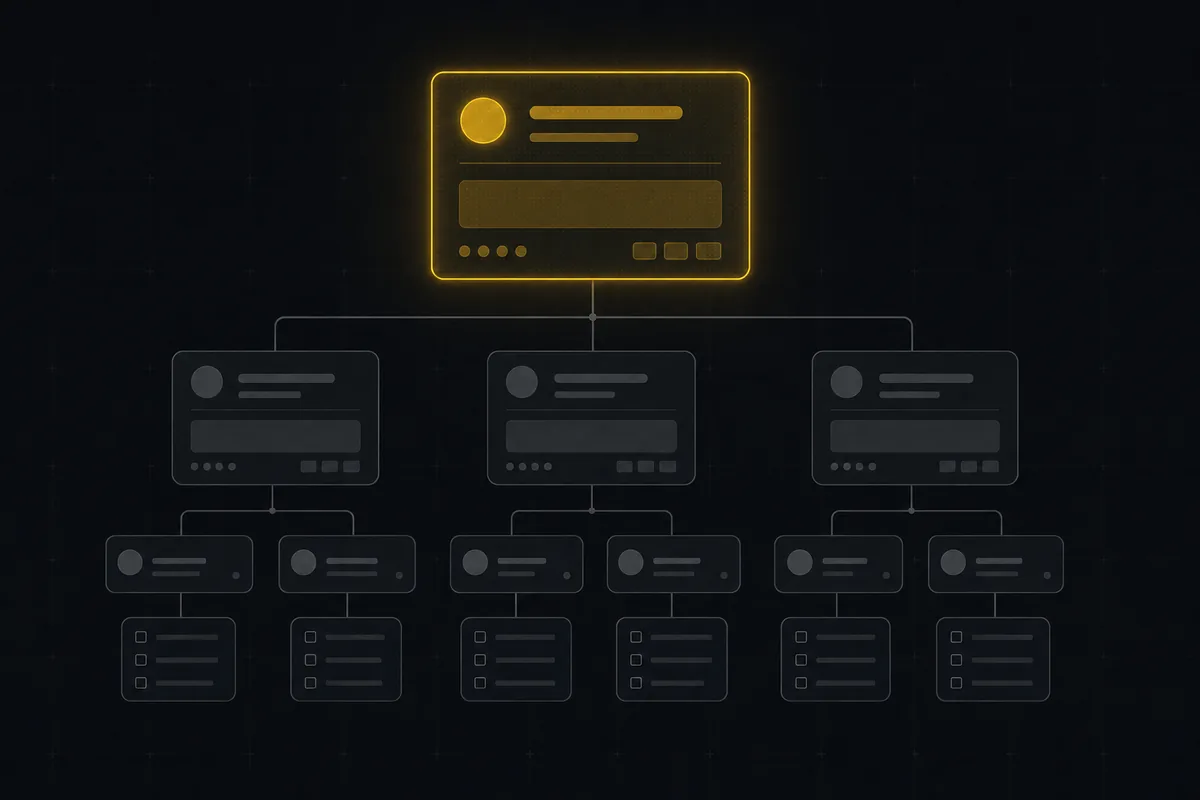
كيف تدير تفضيلات إشعاراتك
أدِر إشعارات إدارة المشاريع في Taskfolk: اقرأ مصفوفة البريد مقابل داخل التطبيق، قلّل الضجيج دون أن تُعمى، تابع المهام، وتحكّم في الملخص الأسبوعي.

كيف تتابع استخدام API وسجلات التدقيق في Taskfolk
دليل عملي لتبويبي Usage وAudit في وحدة المطوّر بـ Taskfolk: Usage يخبرك بحجم حركة API وصحتها، وAudit يخبرك من أنشأ أو أبطل أو غيّر المفاتيح وWebhooks وعملاء OAuth ومتى وقع شذوذ. اعرف من يرى الأرقام، واقرأ البطاقات والمخططات، وحقّق في أحداث دورة الحياة، واضبط حد معدل لكل مفتاح، وافهم لماذا تعيش تغييرات التذاكر في سجل النشاط لا في Audit.
كيف تمنح وكيل الذكاء الاصطناعي مراجعة بشرية قبل أن يغيّر مهامك
ابنِ بوّابة موافقة لوكلاء الذكاء الاصطناعي في Taskfolk: دع الوكيل يفرز إلى عمود بحاجة لمراجعة، وينقله إنسان إلى الأمام، وتمنع قواعد الانتقال أيّ تخطٍّ.