Blog tag
Tagged: Taskfolk.
24 articles tagged Taskfolk
OKRs that roll up from the work, not a spreadsheet
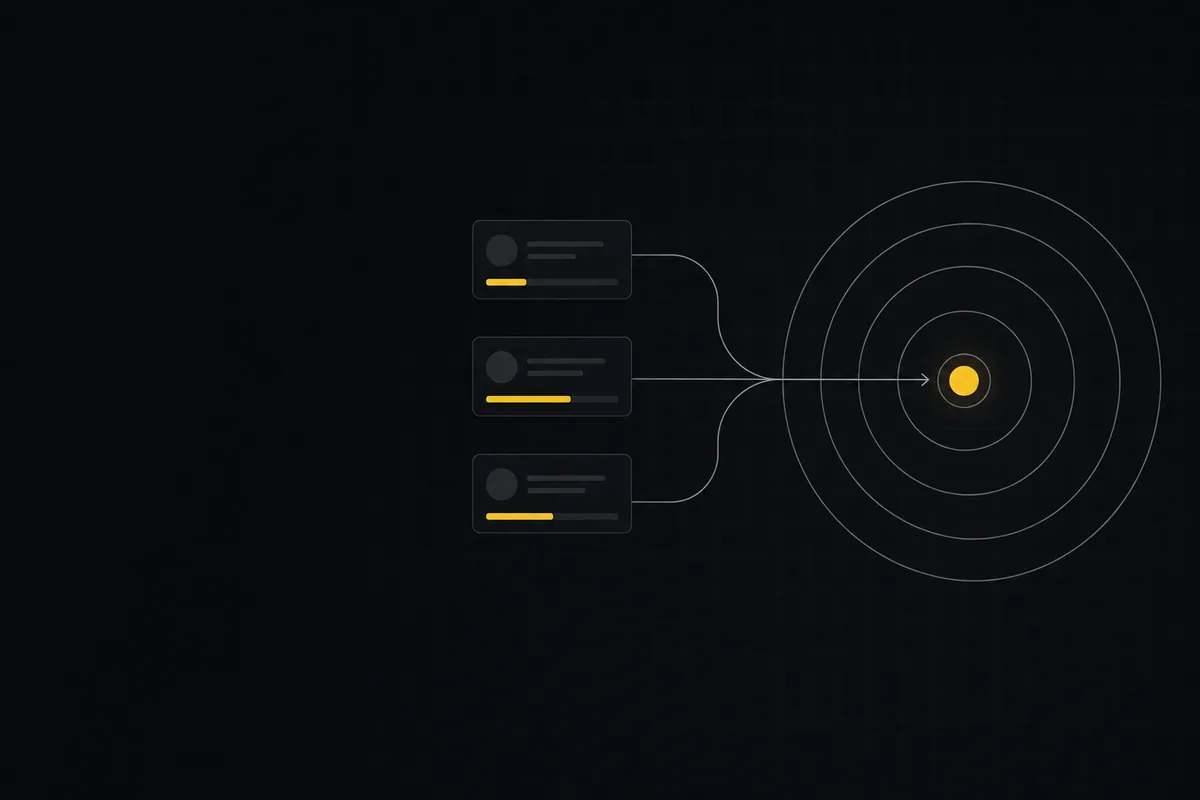
Taskfolk puts portfolios and OKRs inside the tracker. Goals carry key results that roll up from real issues, ladder into company objectives, and keep their own status current.

Free project management software: what the free tiers actually give you
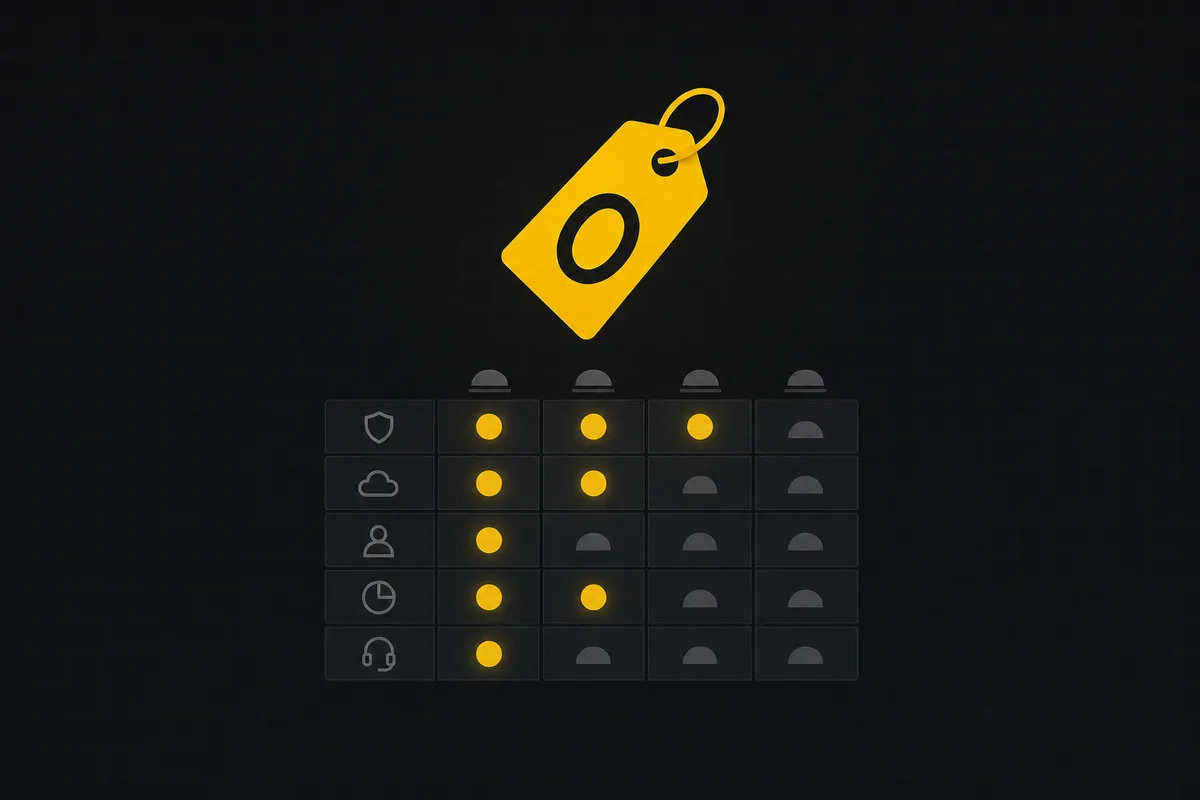
What the free tiers of Trello, Asana, ClickUp, Notion, and Jira actually give you (as of July 2026), which cap stops a small team first, and how Taskfolk Free compares.
What you can run in Taskfolk without extra tools
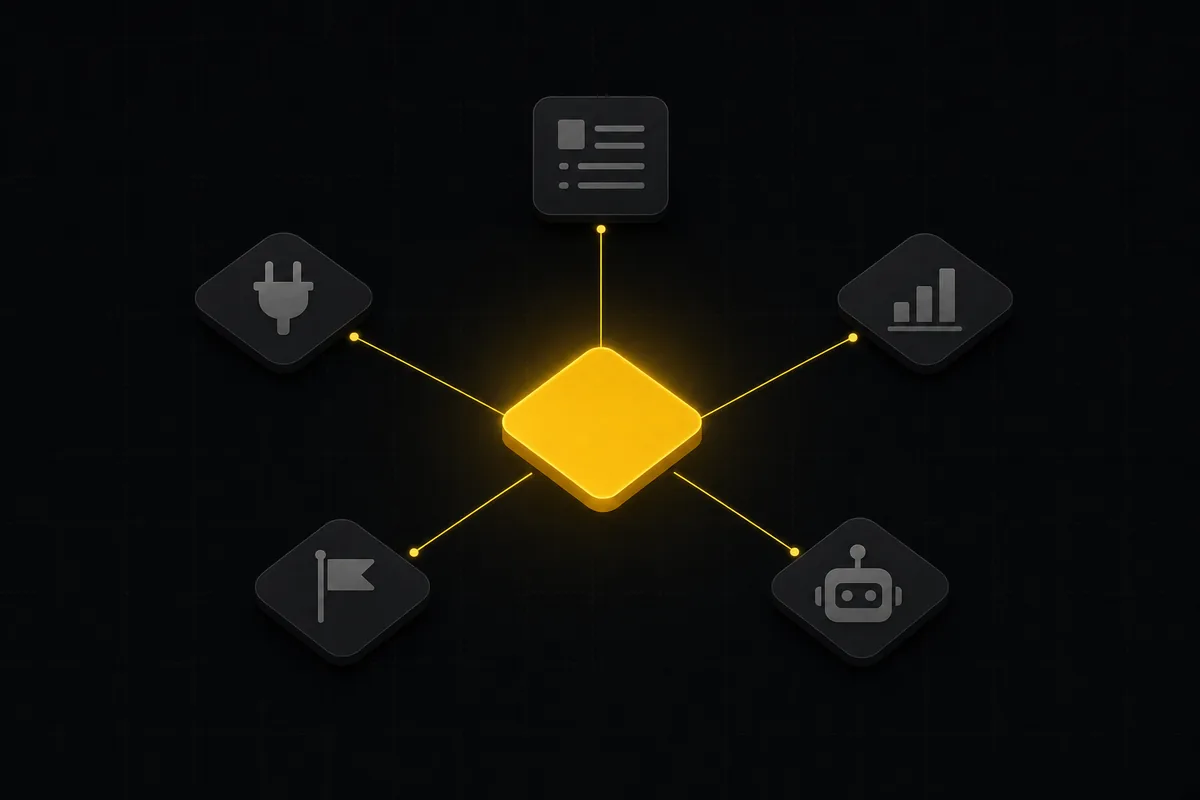
A straight, capability-forward tour of the jobs Taskfolk covers in its core, from a light help desk to integrations, estimation, and roadmaps, and when to pair a dedicated tool.

How to create an issue
Learn how to create an issue in Taskfolk three ways, pick the right type, fill the dialog, roll up to an epic, and make subtasks. With the real limits named.

How to add board columns
Add, rename, reorder, and delete kanban board columns in Taskfolk: statuses, categories, colours, permissions, and the delete gotchas, with the limits named.

Gantt chart with dependencies
Learn to plan on Taskfolk's Timeline: read the Gantt, drag bars to reschedule, draw Blocks/Relates/Duplicates dependencies, schedule undated issues, and the real limits.

How to filter and sort issues
Filter issues by assignee, label, and status in Taskfolk's list view, then sort, group, save a view, and share the exact filtered list as a URL.

How to run a sprint
Learn how to run a sprint in Taskfolk: plan from the backlog, start and complete a sprint, carry over incomplete issues, and read the burndown and velocity.

How to connect an ai agent
Connect an AI agent to a project management tool in Taskfolk: name it, mint a scoped key, wire up MCP, assign a ticket, and watch its sessions, step by step.

Custom workflow statuses
Build custom Jira-style board columns in Taskfolk and enforce status transition rules across the board, API, bulk edits, and automations. With the honest limits.

How to set up a request form
Build a public intake form in Taskfolk that creates tickets: map fields to issue title, description and priority, route submissions, publish a no-account link.

Project calendar view
Open Taskfolk's Calendar tab to see project due dates on a month or week grid, drag deadlines to reschedule, edit status inline, and filter by assignee.

How to track time on issues
How to track time on issues in Taskfolk: set estimates and spent hours, read the budget bar, set completion, and roll it all up on the project summary.

Custom fields in issue tracking
Add custom fields in an issue tracker: create project-scoped fields, pick the right kind, make them required, and show them as List columns and filters in Taskfolk.
How to write project docs
Build a project documentation knowledge base in Taskfolk: workspace Knowledge vs project Docs, nested pages, templates, autosave and version history, doc-issue links.

How to plan releases and milestones
Plan software releases and milestones in Taskfolk: create releases and milestones, attach issues, read the progress meter, draft AI release notes, and set permissions.

How to save and share views
Save any Taskfolk filter as a named, reusable view: how to save, share vs keep personal, apply across board and list, plus the five facets a view actually stores.

Notifications and watching issues
Set up Taskfolk notifications and watch issues: the four events that notify you, who gets pinged, inbox triage, snooze and archive, and email vs in-app.

How to use team chat
A practical guide to team chat in a project management tool: channels, DMs, threads, @mentions, file attachments, and the honest limits, all next to your issues.

How to track and vote on feedback
A hands-on tour of Taskfolk's product feedback board and roadmap: post ideas, vote, and read the Tracking board and Changelog as a live public roadmap.

How to manage billing and plans
Read the Taskfolk billing page at a glance: how editor seats are counted, why viewers and agents are free, where to upgrade, downgrade, cancel, and buy credits.

How to use the mindmap
How to use Taskfolk's project mind map view: open the radial tree, read the pills, expand and filter branches, group by Hierarchy/Status/People, and export a PNG.

How to search your workspace
Search issues across projects in Taskfolk from one top-bar field: the / shortcut, live typeahead, WEB-12 key-jump, the full results page with Type/Status/Priority filters, and the real limits.

Keyboard shortcuts in taskfolk
Every keyboard shortcut in Taskfolk: the ? overlay, command palette, quick create, g-chords, and a/s/p/l/m field pickers, where each fires, and how to learn them.