How to use Hermes Agent for project management
Hermes Agent remembers everything but holds no plan. How to connect it to a real board over MCP: tickets from chat, a morning digest, triage, and delegation.

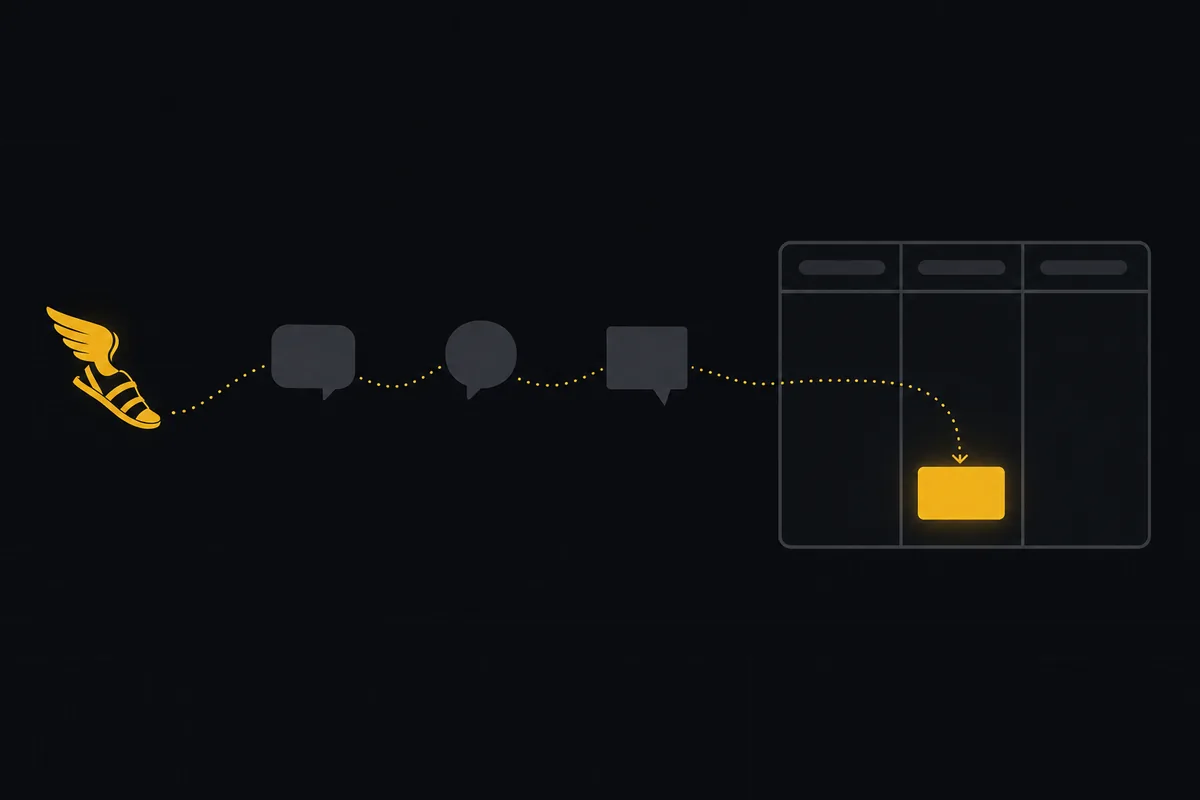
Hermes Agent might be the first AI agent people describe like a pet. It lives on your own server, you talk to it on Telegram or WhatsApp, it remembers your preferences across months of conversations, and it quietly teaches itself new skills after finishing hard tasks. Ask around its enormous community and you will hear the same story: within a few weeks it has become the default place you throw every "can you handle this?" in your working day.
Which is exactly when the project management problem shows up. Your agent knows about the invoice bug because you mentioned it on Tuesday from your phone. It remembers the deploy you postponed and the client feedback you pasted in. All of that lives in one place: its memory, on your box, readable by exactly one person. Your teammates cannot see the agent's TODO list. You cannot prioritize what exists only as a conversational thread. Hermes has a perfect memory and no plan, and those are different things.
This guide wires the two together: Hermes Agent as the always-on assistant it already is, plus a real board it reads and writes over MCP, so the tasks it collects from your chats become tickets a team can see, and the work you delegate to it becomes sessions you can supervise. The board here is Taskfolk; the facts about Hermes are as of late August 2026.
What Hermes Agent is
Hermes Agent is Nous Research's open-source autonomous agent, launched in February 2026 under MIT and now sitting around 238,000 GitHub stars, which puts it among the most-starred AI projects in existence. The design is deliberately un-cloudlike: it installs on your own machine, from a $5 VPS to a workstation, keeps everything local with no telemetry, and runs on whatever model you point it at (Nous Portal, OpenRouter, OpenAI, Anthropic, DeepSeek, or a local model through Ollama; hermes model switches without config surgery).
curl -fsSL https://hermes-agent.nousresearch.com/install.sh | bash
source ~/.bashrc
hermes   # interactive setup on first run
Three design choices matter for this guide.
First, the gateway. hermes gateway connects one agent process to Telegram, Discord, Slack, WhatsApp, Signal, email, and more, with conversation continuity across all of them. The agent is where you already are, which is why work accumulates in it so fast.
Second, memory and skills. Conversations persist with full-text search and summarization, the agent builds a model of you over time, and after finishing complex tasks it writes itself a skill, a reusable procedure stored under ~/.hermes/skills/, following the agentskills.io open standard. Hermes genuinely gets more capable the longer it runs.
Third, the scheduler. A built-in cron accepts natural language ("every weekday at 8am, do X and send it to me on Telegram") and delivers to any connected platform, unattended. Add subagents for parallel work and MCP support for external tools, and you have a competent operations sidekick that costs whatever your VPS and tokens cost.
Why a perfect memory still is not a tracker
It is tempting to stop there and let Hermes be the system. It remembers everything; is that not what a tracker does? No, and the difference is structural, not a missing feature.
Hermes memory is private by design. Local-first, no cloud, one owner: the properties that make it trustworthy are the properties that make it invisible to your team. A tracker's whole job is the opposite: shared state someone else can read without asking you.
Memory is also retrospective. It answers "what did we say about the invoice bug?" superbly. It does not hold "the invoice bug is In Progress, assigned to Sara, due Thursday, blocking the release," because that is not a conversation, it is state, with an owner and a priority that a human deliberately set. Skills have the same shape problem from the other side: a skill is how to do something, not whether anyone decided it should be done this sprint.
And when you run Hermes alongside other agents, a Claude Code session on the repo, a second Hermes for ops, the private-memory model gives them no shared claim. Nothing stops two agents from both "remembering" they should handle the same task. The coordination surface has to live outside any one agent's head. That is the board: memory for context, a shared backlog for state, and no confusion about which is which.
Connect Hermes to the board
Two steps, both on surfaces built for exactly this.
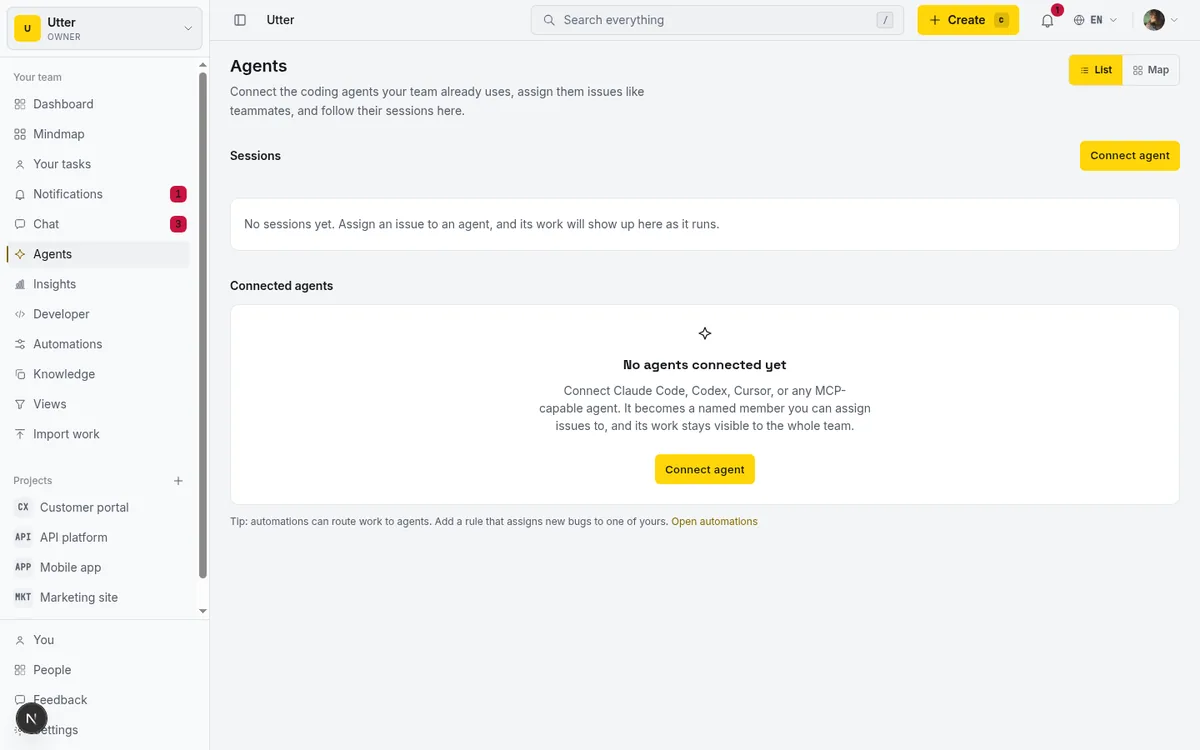
First, mint the identity. In Taskfolk, open Agents in the sidebar, Connect agent, name it ("Hermes", or the name you actually call it), pick Custom agent as the tile, and copy the API key from the one-time reveal. That creates a real workspace member: an agent-flagged user with a scoped write key whose authorship attributes every call to the agent by name. It never counts as a billed seat. The full flow, including what gets created and why, is in how to connect an AI agent.
Second, add the MCP server to ~/.hermes/config.yaml:
mcp_servers:
  taskfolk:
    url: "https://taskfolk.ai/api/mcp/v1"
    headers:
      Authorization: "Bearer <your-agent-key>"
    timeout: 180
Restart Hermes or run /reload-mcp in an active session, and the Taskfolk tools appear in its registry next to the built-ins. The tool catalogue is generated from the REST API's OpenAPI registry, over 180 operations, so the agent can do essentially anything a member can do, filtered by the key's scope. If you ever want raw REST instead, the same key works for both; MCP or REST for your agent is the comparison.
One optional third step that fits Hermes unusually well: give it the skill, not just the tools. Taskfolk publishes an agent-skills discovery index at /.well-known/agent-skills/index.json (the agentskills.io schema Hermes skills already follow) and a workspace-customised SKILL.md bundle from the developer console's Skills tab. Drop that file into ~/.hermes/skills/, and Hermes knows your board's shape, your project keys, your conventions, as a procedure it loads when relevant instead of context you re-explain. Installing Taskfolk as an agent skill covers what the bundle teaches.
What this unlocks, concretely
The point of the pairing is not that Hermes gains a database. It is that the stuff already flowing through your chats starts landing somewhere a team can act on. Four patterns carry most of the value.
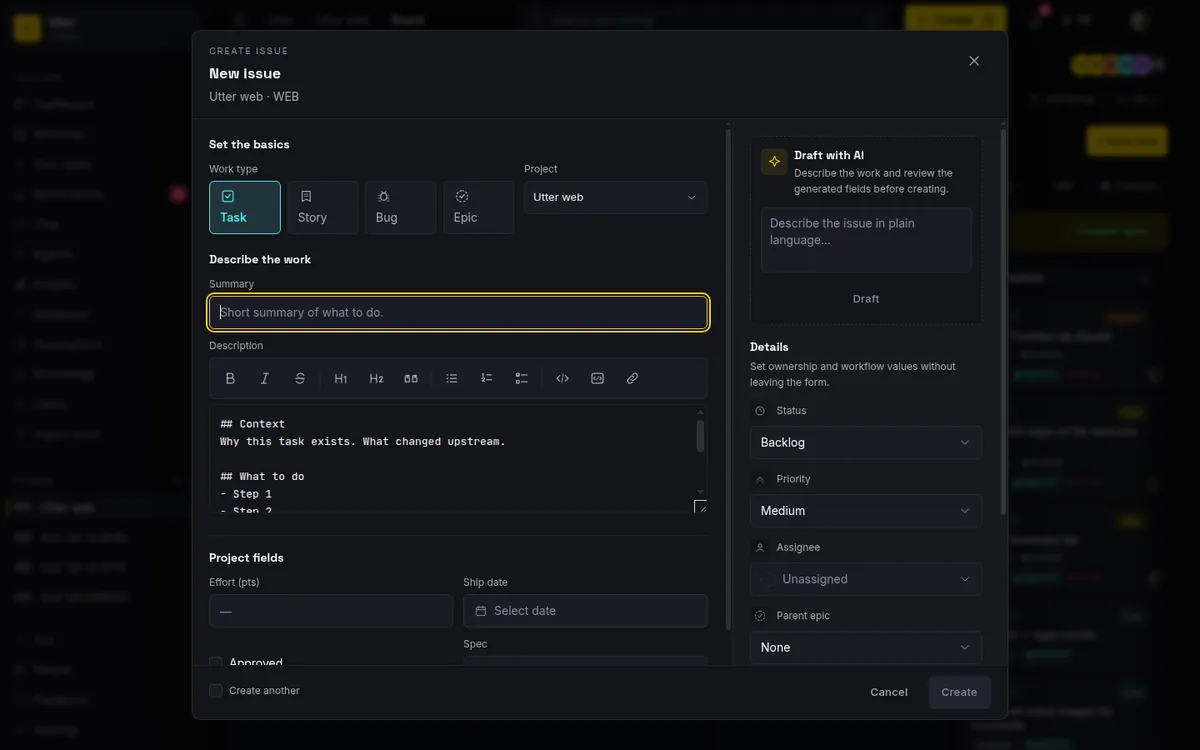
Tickets from anywhere you talk. You are on WhatsApp, a client reports a bug, you forward it to Hermes: "make a ticket in WEB, bug, high priority, quote the report in the description." Ten seconds later there is a WEB-244 with a clean title, the quote, and your name on the report, because the agent filed it through its own identity on a board your team watches. The friction that used to stand between "someone mentioned a problem" and "the problem is tracked" is gone, and with it the class of work that lived only in your memory of a chat.
A morning digest, on your platform, on schedule. This is where the natural-language cron earns its place:
Every weekday at 7:45, list my Taskfolk board: what moved yesterday,
what is in review, any agent session marked stalled or needs input,
and the top three unassigned high priority issues. Send it to me on
Telegram as a short plain text summary.
That is the whole automation. No workflow builder, no Zapier hop: the scheduler fires, the agent calls the board's tools, the summary lands next to your other messages. Whether an AI should run your entire standup is a live debate (we wrote up where it works and where it fails), but a private morning readout to each person is the uncontroversial half.
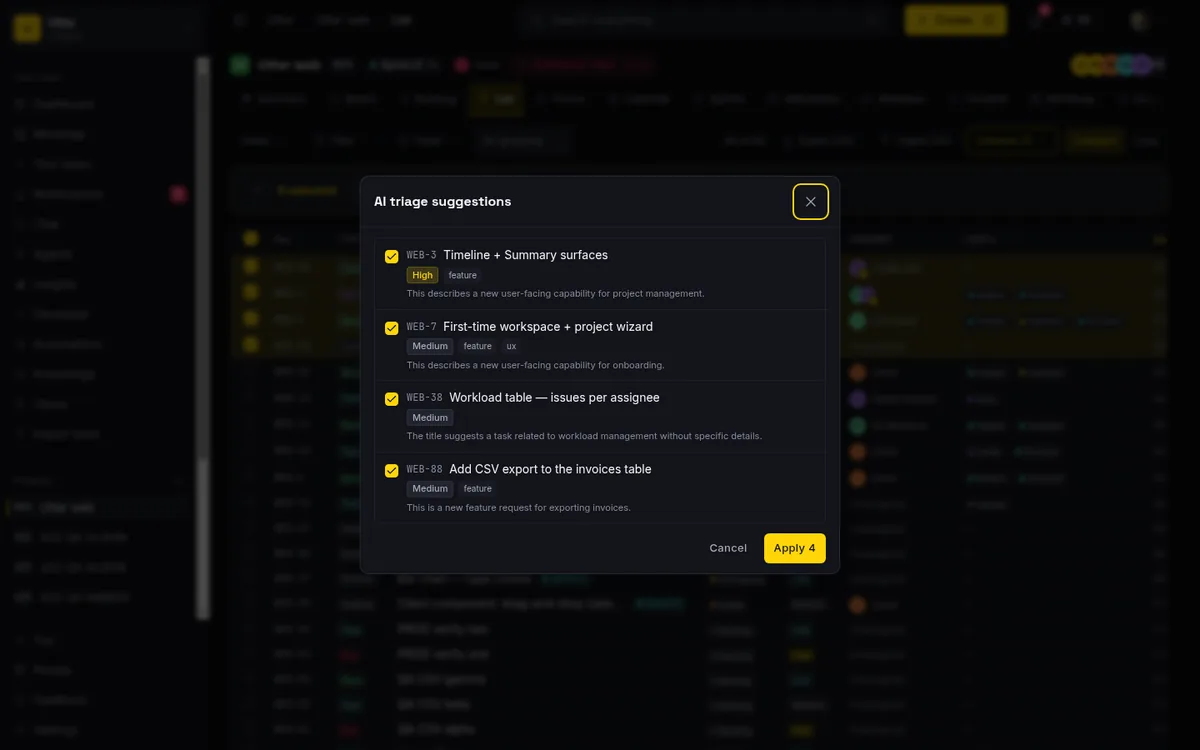
Triage as a conversation. "Go through the WEB backlog, label anything about billing, and propose priorities for the untriaged ones" is a natural Hermes task once the tools exist. Let it propose rather than decide: priorities are exactly the field where AI triage helps most and should be trusted least without a human glance.
Delegation, same as any agent. Assign an issue to the Hermes identity and Taskfolk creates a pending session; Hermes claims it with its session tools, works, and closes as review. From there the supervision surface is identical to every other agent on the hub, running, needs input, stalled after 30 silent minutes, an unverified badge on a done session with nothing attributed. The delegation walkthrough applies unchanged.

flowchart LR
    A["WhatsApp or Telegram message"] --> B["Hermes Agent on your VPS"]
    B --> C["MCP tools"]
    C --> D["Ticket created on the board"]
    D --> E["Team sees and prioritizes it"]
    E --> F["Assigned back to Hermes or a human"]
    F --> B
Guardrails for an agent with a long memory
Set the field policy before the first unattended cron run. The agent profile takes an allowlist over 14 issue fields; a sensible starting policy for a chat-driven assistant is title, description, status, labels, and comments, with assignee, priority, and dates held back until you trust its judgment, so a misremembered conversation cannot silently reshuffle the plan. It is enforced at the one API write path all surfaces share, per-field rather than per-value, and takes two minutes to set.
Keep the memory division clean, too. The temptation with a self-improving agent is to feed it everything and let memory be the knowledge base. Better: project truths that a team relies on belong in docs the board owns, where anyone can correct them, and the agent reads them like everyone else; Hermes memory holds your preferences and the conversational residue. Giving your agent a knowledge base is the longer argument.
And the sovereignty note, stated once and honestly: Hermes' pitch is that everything stays on your machine, and connecting it to hosted SaaS means ticket data lives on Taskfolk's side of the line. The same trade-off came up pairing Block's self-hosted Buzz with a hosted board, and the answer is the same: make it knowingly. The agent stays yours, its memory stays local, and the shared plan lives where someone else keeps the lights on. If your threat model cannot accept that, this pairing is not for you, and I would rather say so than bury it.
Start with the digest
If you only wire up one thing today, make it the morning digest: connect the agent, add the MCP block, schedule the 7:45 summary, and let the first week convince you. Tickets-from-chat and triage will follow naturally, because once Hermes can see the board, asking it board-shaped questions stops feeling like a feature and starts feeling like talking to the same assistant about one more part of your day. The agent side is already free and already yours; the board's free plan covers the rest, and agents never bill a seat. A perfect memory plus a shared plan turns out to be a very good coworker.
أسئلة شائعة
ما هو Hermes Agent؟
Hermes Agent هو الوكيل المستقل مفتوح المصدر من Nous Research، صدر في فبراير 2026 برخصة MIT. يعمل على بنيتك الخاصة (خادم VPS بخمسة دولارات يكفي)، ويتصل بـ Telegram وDiscord وSlack وWhatsApp وSignal والبريد الإلكتروني عبر بوابة واحدة، ويحتفظ بذاكرة دائمة عبر الجلسات، ويعلّم نفسه مهارات قابلة لإعادة الاستخدام، ويعمل مع أي مزوّد نماذج بما فيها النماذج المحلية عبر Ollama.
هل يدعم Hermes Agent بروتوكول MCP؟
نعم، دعمًا أصليًّا. أضف كتلة تحت mcp_servers في الملف ~/.hermes/config.yaml تتضمن عنوان الخادم وترويسة Authorization ومهلة اختيارية، ثم أعد تشغيل Hermes أو نفّذ /reload-mcp داخل الجلسة. تعمل الخوادم البعيدة عبر Streamable HTTP مثل خادم Taskfolk (https://taskfolk.ai/api/mcp/v1) وخوادم stdio المحلية على السواء.
هل يستطيع Hermes إنشاء تذاكر من Telegram أو WhatsApp؟
نعم. بعد ضبط خادم MCP الخاص بـ Taskfolk تصبح كل منصة متصلة ببوابة Hermes بابًا إلى اللوحة: مرّر رسالة واطلب تذكرة، فيسجلها الوكيل بهويته كوكيل متصل، فتُنسب التذكرة إليه ويراها فريقك كله فورًا.
هل يُحتسب وكيل Hermes المتصل مقعدًا مدفوعًا؟
لا. الوكلاء المتصلون في Taskfolk أعضاء حقيقيون في مساحة العمل لكنهم لا يُحاسَبون كمقاعد منفّذين في أي خطة؛ والسقف الوحيد حد الحماية البالغ 25 وكيلًا نشطًا لكل مساحة عمل. وتثبيت Hermes نفسه مجاني مفتوح المصدر، فلا يكلفك الاقتران سوى خادمك ورموز النموذج.
هل ينبغي أن تحل ذاكرة Hermes محل وثائق المشروع؟
لا. ذاكرة Hermes محلية وخاصة بمالكها، وهذا مناسب لتفضيلاتك وسياق محادثاتك وغير مناسب للحقائق التي يعتمد عليها فريق كامل. أبقِ المعرفة المشتركة في وثائق تملكها اللوحة حيث يمكن لأي أحد قراءتها وتصحيحها، وليطّلع عليها الوكيل مثل بقية الأعضاء.
قراءات ذات صلة

كيف تدير فريقًا من وكلاء الذكاء الاصطناعي دون أن يفلت منك ما يفعلونه
إدارة الفرق بالذكاء الاصطناعي يومًا بيوم: دليل بأسماء ومالكين، وجلسات حية، وتفويض فوري، وصلاحيات على مستوى الحقل، وعمل موثق حين يعمل عدة وكلاء معًا.
15 يوليو 2026 · 19 د قراءة
أهّل وكيل الذكاء الاصطناعي كما تؤهّل موظفًا جديدًا: هوية وصلاحيات ومهمة أولى
أنت تعرف أصلًا كيف تستقبل موظفًا جديدًا. طبّق الأمر نفسه على وكيل الذكاء الاصطناعي: هوية حقيقية، وصلاحيات محدودة النطاق، ومهمة صغيرة واحدة، ومراجعة، ومسار خروج نظيف.
15 يوليو 2026 · 12 د قراءة
إدارة المشاريع بوكلاء الذكاء الاصطناعي: الدليل الكامل
كيف تدير مشاريع حقيقية مع وكلاء الذكاء الاصطناعي على اللوحة: ربطهم، وإسناد العمل إليهم، والإبقاء على المراجعة البشرية، وما الذي ينكسر، وكيف تجرّب ذلك كله خلال أسبوع واحد.
15 يوليو 2026 · 14 د قراءة
ما هي إدارة المشاريع الوكيلية؟ دليل بلغة بسيطة مع مثال عملي
المساعد النصي ينتظر أمرك. أما الوكيل فيتصرف عند وقوع حدث. هنا شرح حلقة الإدراك والتخطيط والفعل والتحقق، مع تشغيلة حقيقية من طرف إلى طرف داخل Taskfolk.
11 يونيو 2026 · 12 د قراءة
إدارة المهام في Cursor: امنح الوكيل لوحة مشتركة عبر MCP
إدارة المهام في Cursor تعني عادةً Task Master محليًا أو ملف .cursor/rules مكتوبًا بيدك. اربط Cursor بلوحة مشتركة عبر MCP، فيقرأ الوكيل المهام، ويستلم العمل المفوض إليه، ويبلغ عن جلسات يستطيع البشر مراجعتها.
16 يوليو 2026 · 16 د قراءة
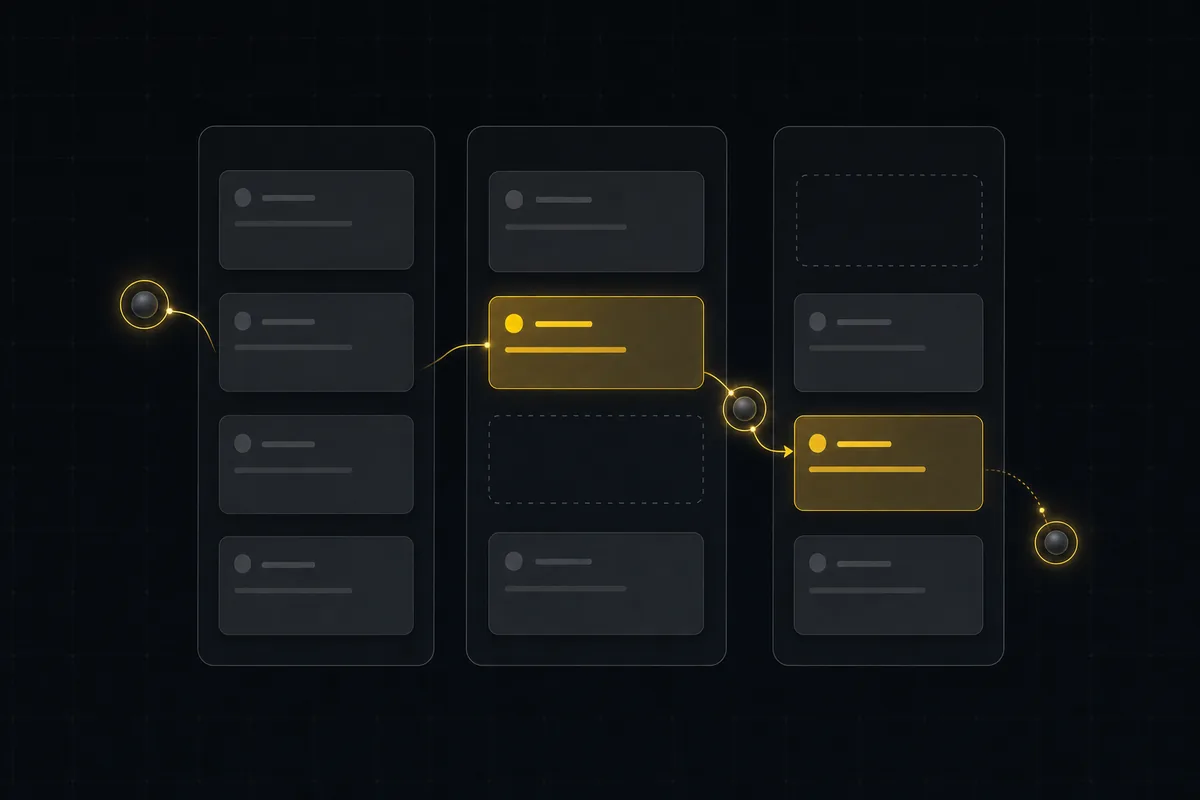
إدارة مشروع بوكلاء الذكاء الاصطناعي دون أن تفلت منك الخيوط
إعداد عملي يتيح لوكلاء الذكاء الاصطناعي إنجاز عمل مشروع حقيقي: إنشاء مهام، تحريك اللوحة، صياغة مواصفات، بينما يحتفظ فريقك بأحكام التقدير. جولة كاملة من لوحة فارغة إلى ميزة مُطلقة: ربط الوكيل عضوًا، تفويض شريحة مقيّدة، مسارات عمل، وإشارة تحقق تلتقط الادعاءات الكاذبة.
11 يوليو 2026 · 8 د قراءة
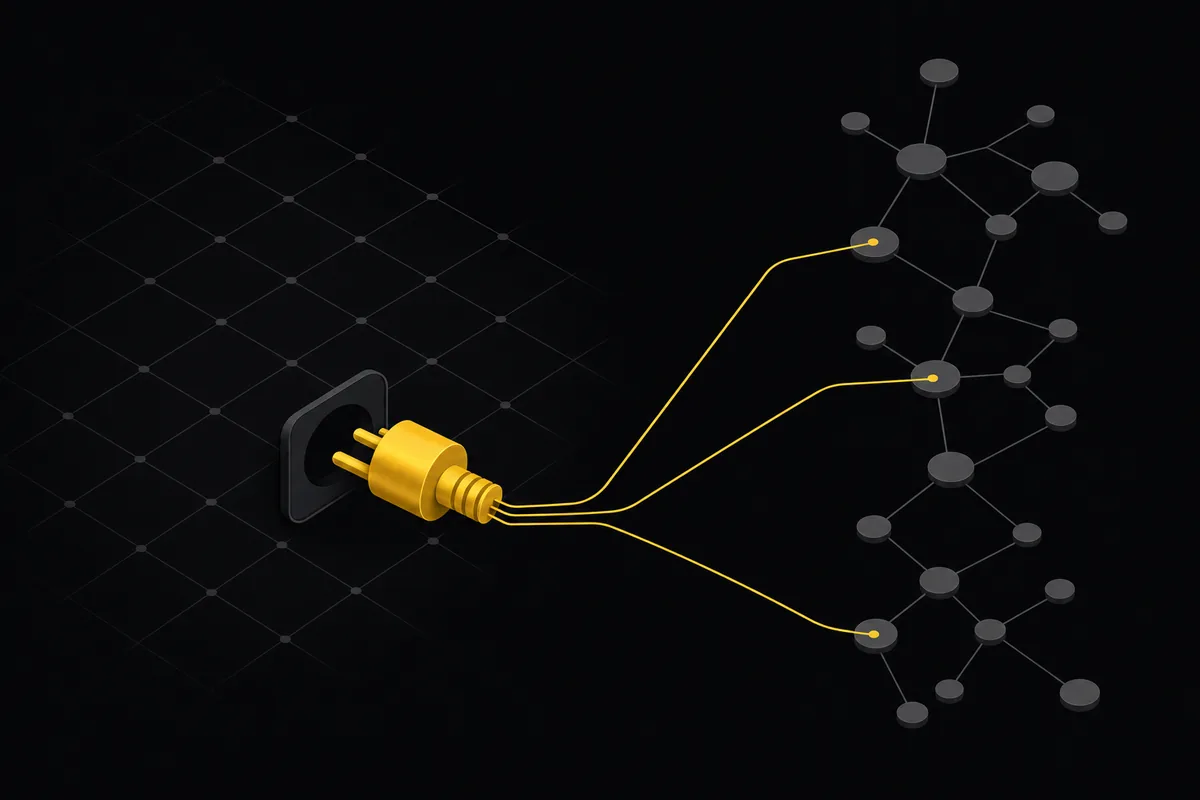
كيف تستخدم وكلاء الذكاء الاصطناعي في Taskfolk: اربطهم وأسند العمل وتابع جلساتهم
شرح عملي من البداية إلى النهاية: اربط وكيلًا، وحدّد صلاحيات مفتاحه، وأسند إليه المهام، وراقب جلساته، دون أن تتخلى عن السيطرة على اللوحة.
15 يوليو 2026 · 13 د قراءة
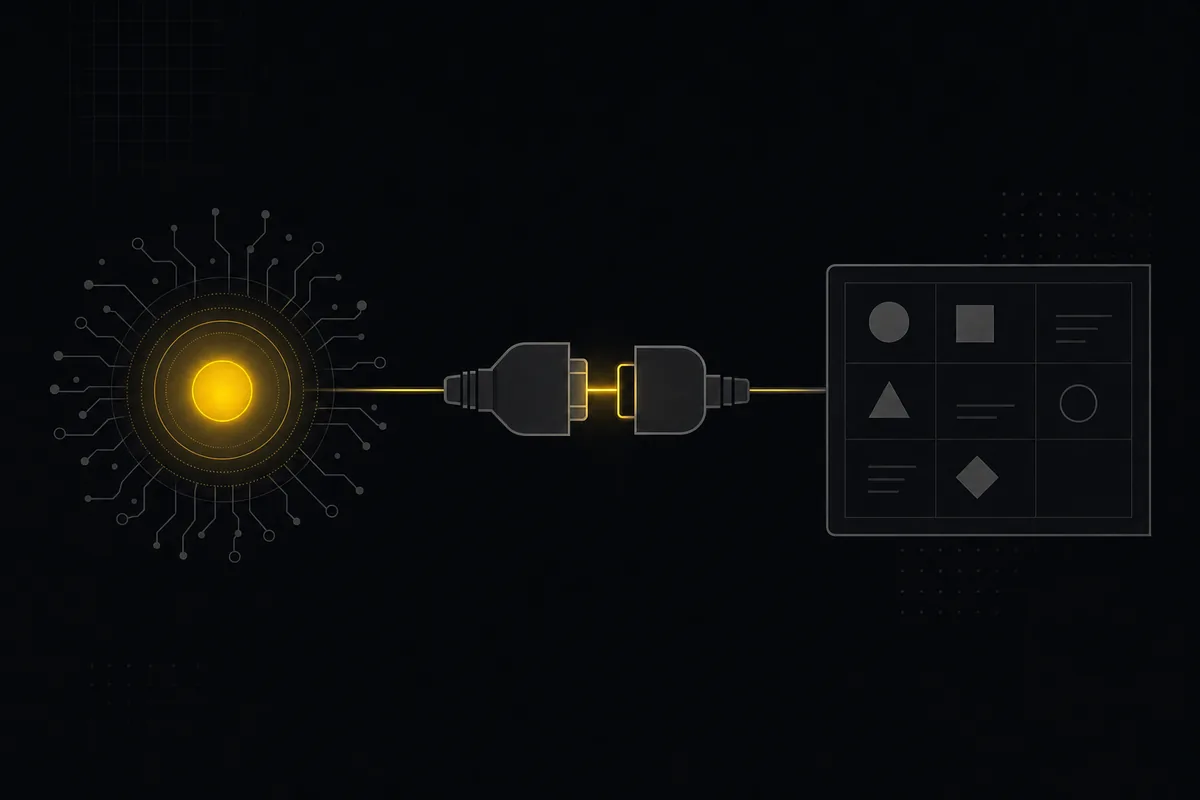
لماذا أعطينا Taskfolk خادم MCP، وما الذي يغيّره
ما هو بروتوكول Model Context Protocol بكلمات بسيطة، ولماذا تناسب أداة تتبع المشاريع هذا الدور، وكيف يلتقط وكيل الذكاء الاصطناعي مساحة عملك دون أي كود ربط.
11 يوليو 2026 · 6 د قراءة
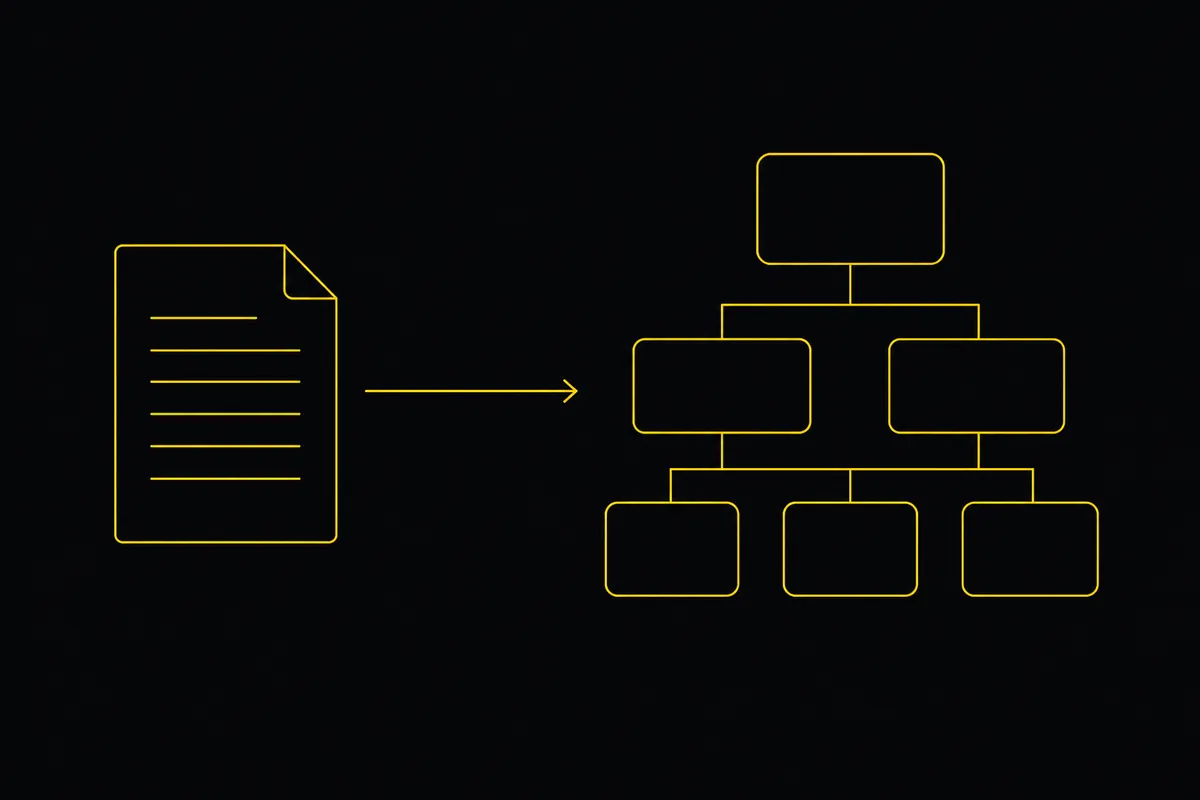
حوّل مستند المتطلبات (PRD) إلى ملاحم وقصص ومهام يستطيع وكلاء الذكاء الاصطناعي بناءها
امنح وكلاء البرمجة خطة يستطيعون البناء وفقها. الصق PRD أو FRD فيصيغ Taskfolk الباكلوج، ثم يعمل Cursor وClaude Code وCodex عليه عبر مسار عمل تتحكم فيه أنت.
19 يوليو 2026 · 9 د قراءة
باكلوج مشترك لفريق من وكلاء البرمجة بالذكاء الاصطناعي
مدير مهام لوكلاء البرمجة بالذكاء الاصطناعي: امنح ثلاثة وكلاء باكلوجًا مشتركًا واحدًا، مع هوية لكل وكيل، وصلاحيات على الحقول، وتسليم عبر الحالات، وبوابات مراجعة بشرية.
16 يوليو 2026 · 18 د قراءة
أضف تعليقًا
ابدأ النقاش.