
Blog
Notes from the team.
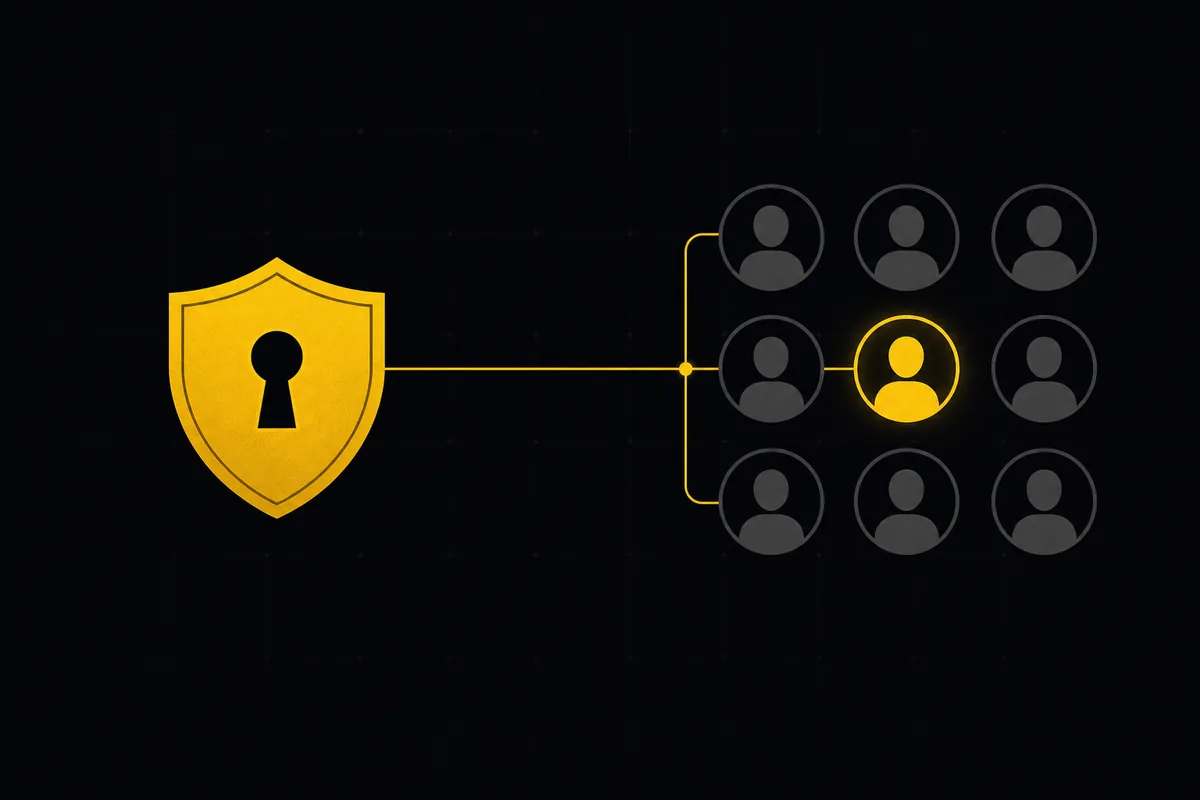
How to set up sso and scim
Set up project management SSO, SAML, and SCIM in Taskfolk from one settings tab: copy the right URLs into Okta or Azure AD, provision users, know the limits.
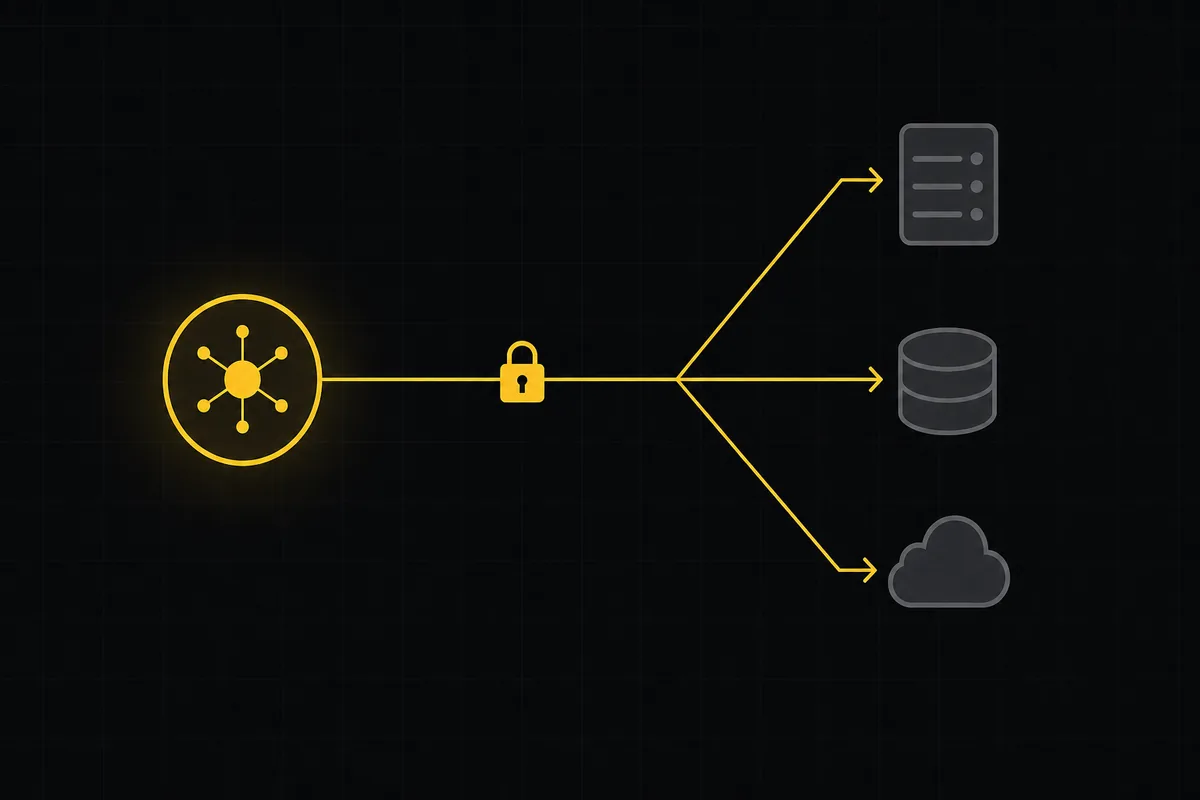
How to use webhooks
Set up outbound webhooks in Taskfolk: create one, verify the HMAC signature (sha256-of-secret gotcha), handle at-most-once delivery, and pipe board events to Slack.

Switch language and theme
Set up Taskfolk as an Arabic RTL and dark mode project management tool: switch language to Arabic, get full RTL, and change theme between Auto, Light, and Dark.

How to use team chat
A practical guide to team chat in a project management tool: channels, DMs, threads, @mentions, file attachments, and the honest limits, all next to your issues.

How to track and vote on feedback
A hands-on tour of Taskfolk's product feedback board and roadmap: post ideas, vote, and read the Tracking board and Changelog as a live public roadmap.
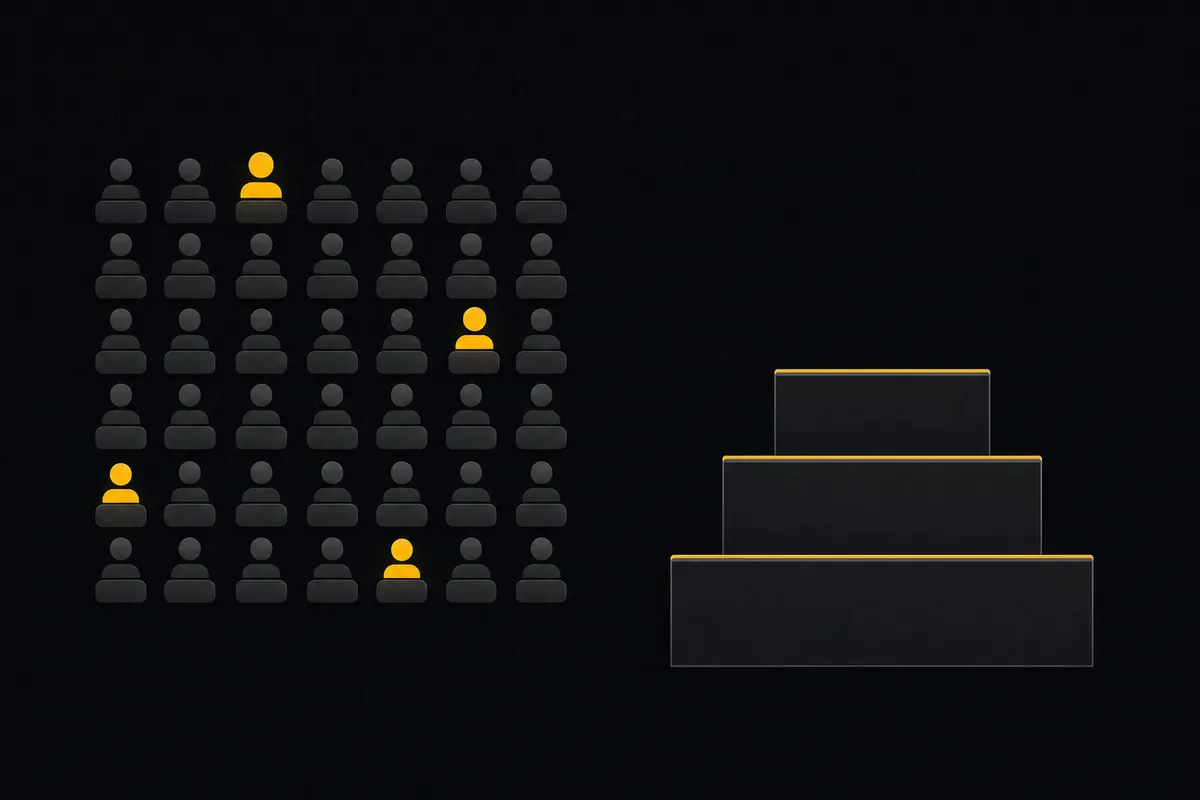
How to manage billing and plans
Read the Taskfolk billing page at a glance: how editor seats are counted, why viewers and agents are free, where to upgrade, downgrade, cancel, and buy credits.
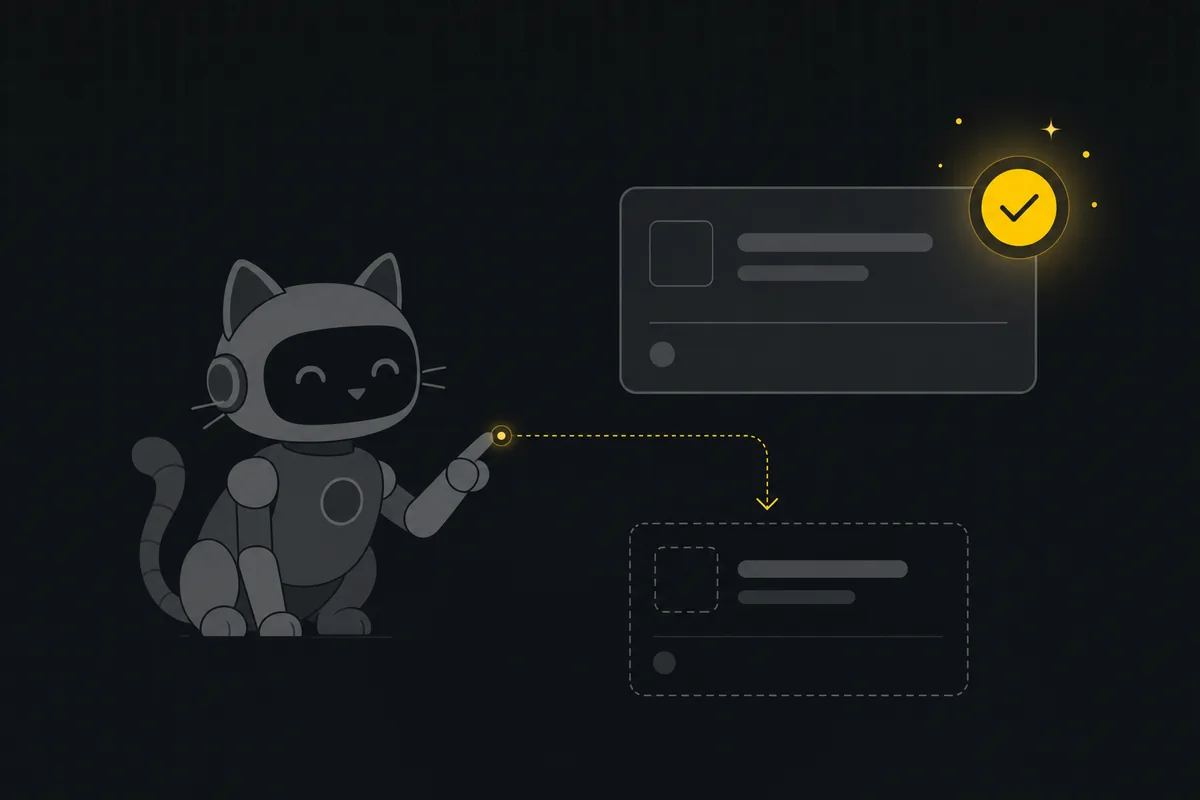
How to use the ai assistant
How to run your board with Taskfolk's AI assistant: ask grounded questions, create and triage issues from a sentence, and approve every change before it lands.

How to install Taskfolk as an agent skill
Install Taskfolk as a skill in your AI coding agent: one-command MCP for Claude Code, config for Cursor and VS Code, or a SKILL.md download for OpenCode and Codex.

How to connect github
Connect GitHub to your project management tool in Taskfolk: register a repo, set the webhook, and auto-link commits to issues with #KEY-NUM. Full rules and limits.